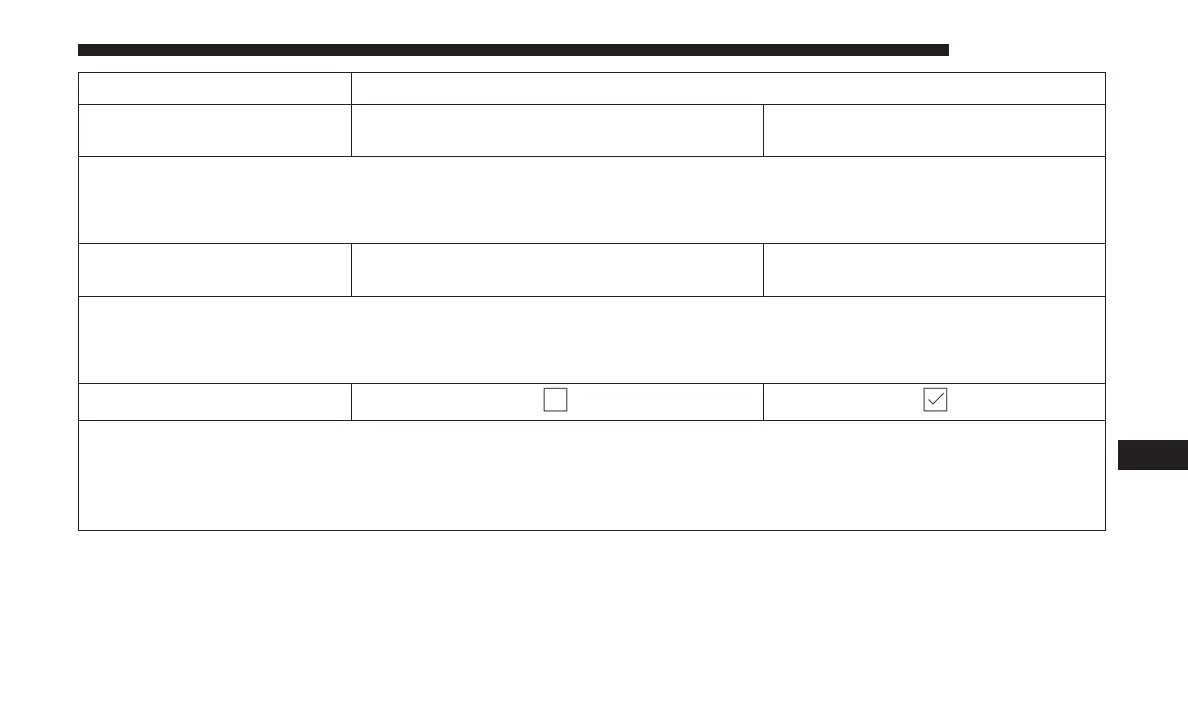
Setting Name Selectable Options
Display Brightness With
Headlights ON
+-
NOTE:
To make changes to the ⬙Display Brightness with Headlights ON⬙ setting, the headlights must be on and the interior
dimmer switch must not be in the ⬙party⬙ or ⬙parade⬙ positions.
Display Brightness With
Headlights OFF
+-
NOTE:
To make changes to the ⬙Display Brightness with Headlights OFF⬙ setting, the headlights must be off and the interior
dimmer switch must not be in the ⬙party⬙ or ⬙parade⬙ positions.
Set Theme
NOTE:
When the “Set Theme” feature is selected, you may select the theme for the display screen. To make your selection,
press the ⬙Set Theme⬙ button on the touchscreen, then select the desired theme option button until a check-mark ap-
pears showing that the setting has been selected.
10
MULTIMEDIA 605















 To Next Page