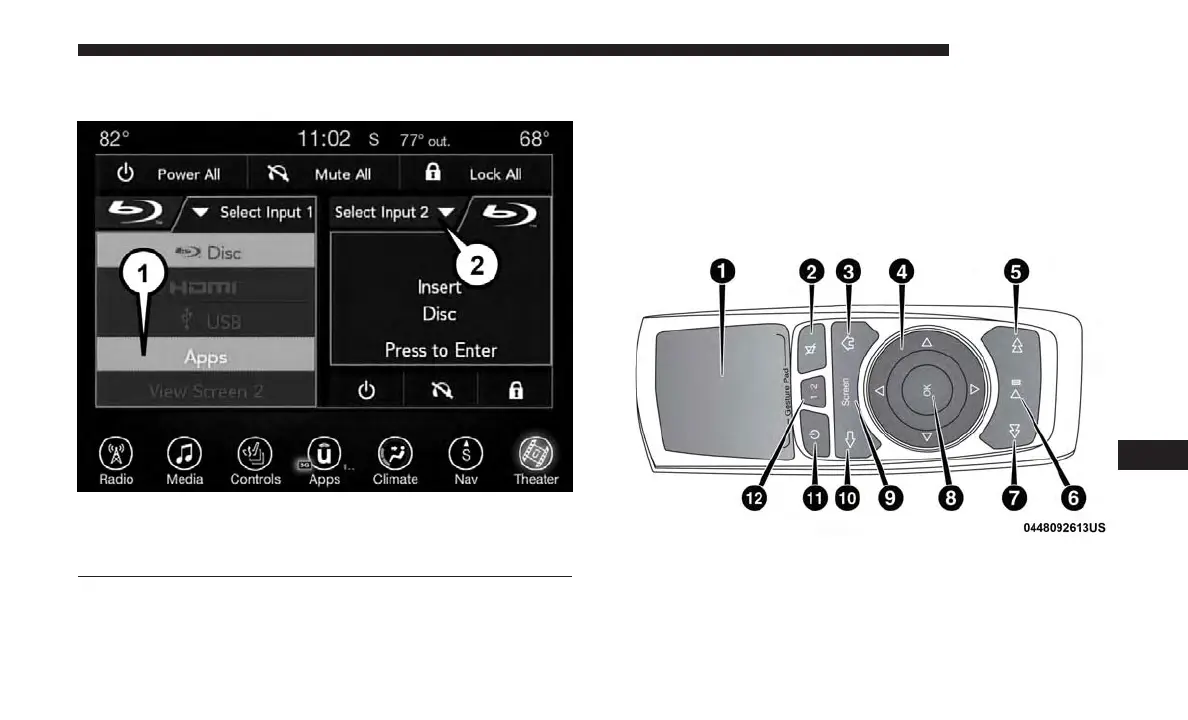
Media Sources
Users can select content for each screen from the radio by
choosing desired content from drop down menu.
NOTE: Use the “View Screen” function to pull content
from one screen to the other in a single press of a button.
Doing this however will disable and gray out certain
player controls on the screen viewing the other screen’s
content.
Uconnect Theater Remote Control
1. Gesture Pad — Control mouse pointer position in this
area to move and select items on the touchscreen,
functions similar to a mouse.
2. Mute Button — Mutes headphone audio.
Media Sources
1 – Selected Source Screen 1
2 – Screen 2 Source Selection Drop Down
Remote Control
10
MULTIMEDIA 633















 To Next Page