NOTE:
• There will be a touchscreen notification message when
pairing is successful. Refer to “Pairing The Remote” on
the full procedure of how to pair the remotes.
• Test to make sure the remote is successfully paired by
dragging your finger across the gesture pad. If you do
not see the on screen arrow, try using the “Screen”
button to switch between screen one and screen two to
make sure the remote is controlling the intended screen.
It may take several seconds for the remote to react when
initially paired.
• If remote is ever non-operational, try performing the
pairing process again.
Pairing The Remote
If the remote needs to be paired to your Uconnect Theater
system, follow the procedure below:
1. Install batteries into both remotes.
2. Press and hold the ⬙Screen,” “Down,” and “Play/Pause⬙
buttons on each remote control simultaneously until the
screen indicator light flashes.
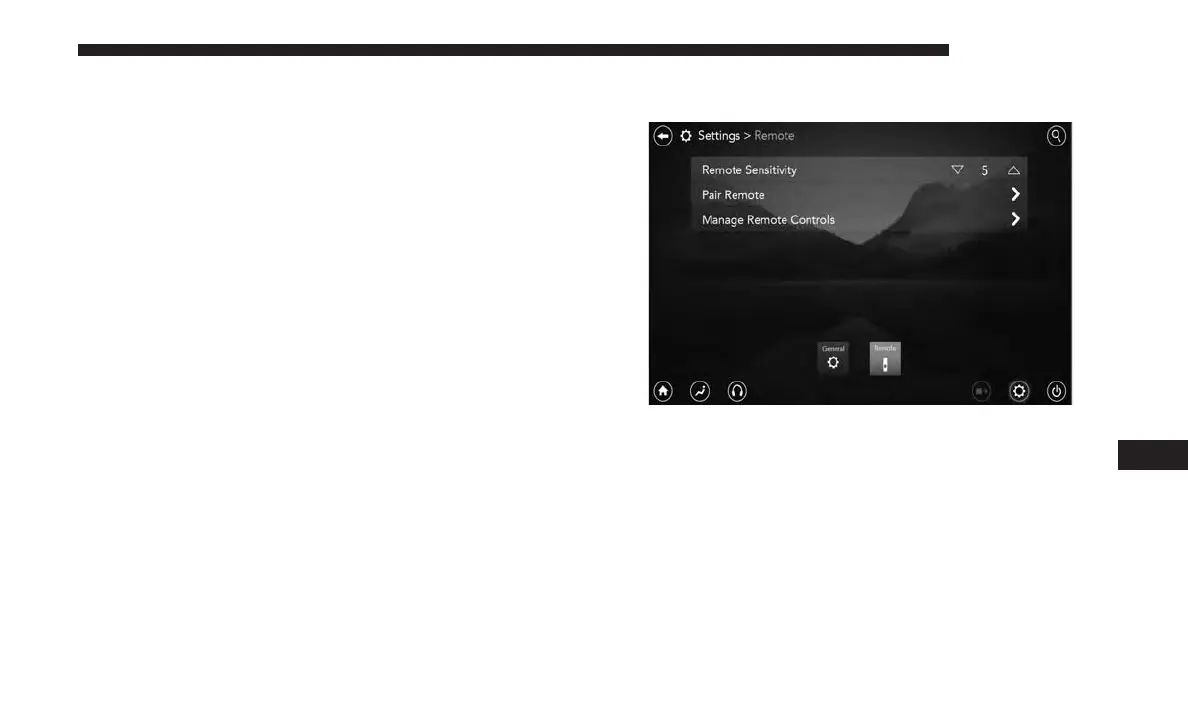
3. Press the Settings icon found in the lower left portion of
the Uconnect Theater touchscreen.
Remote Pairing
10
MULTIMEDIA 631















 To Next Page