Clock
After pressing the “Clock” button on the touchscreen, the
following settings will be available:
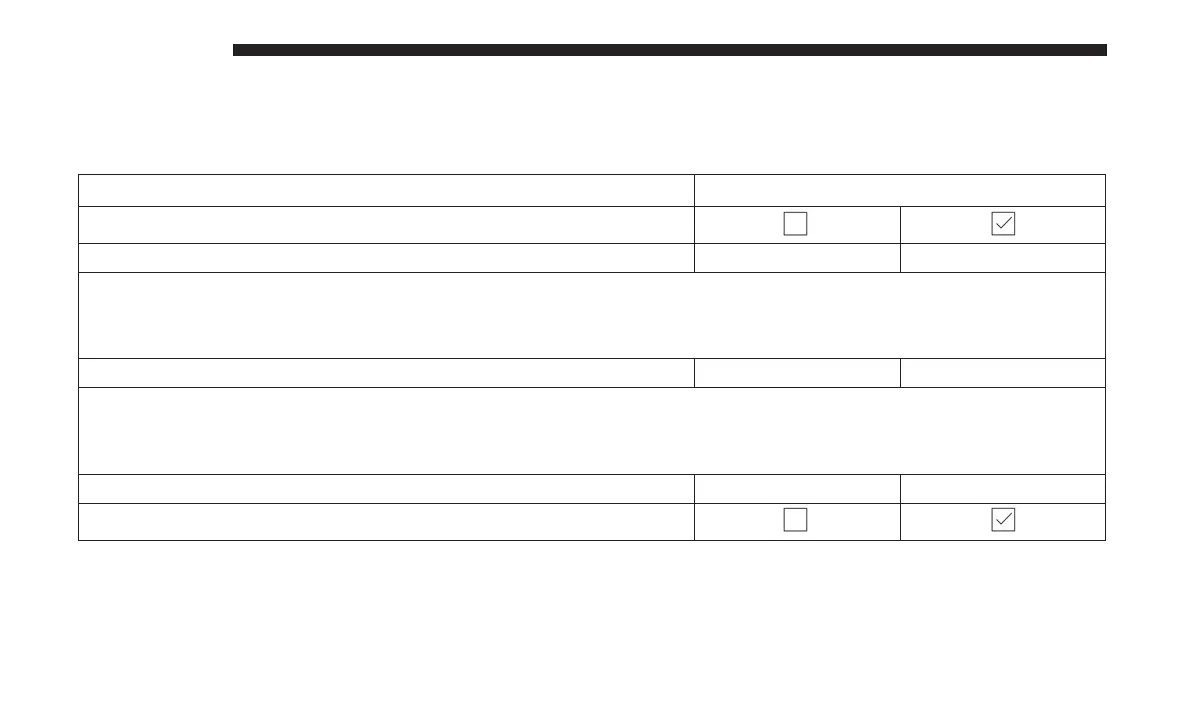
Setting Name Selectable Options
Sync Time With GPS — If Equipped
Set Time Hours +-
NOTE:
The “Set Time Hours” feature will allow you to adjust the hours. The “Sync time with GPS” button on the touch-
screen must be unchecked.
Set Time Minutes +-
NOTE:
The “Set Time Minutes” feature will allow you to adjust the minutes. The “Sync time with GPS” button on the touch-
screen must be unchecked.
Time Format 12hrs 24hrs
Show Time in Status Bar — If Equipped
608 MULTIMEDIA















 To Next Page