12
1. WiFi Connection
Note: The hub does not support the 5GHz WiFi band. If you have a dual-band router (5GHz and
2.4GHz) and both the 2.4GHz and 5.0GHz networks are under the same name, you will need to
separate those two bands into different names in your router settings.
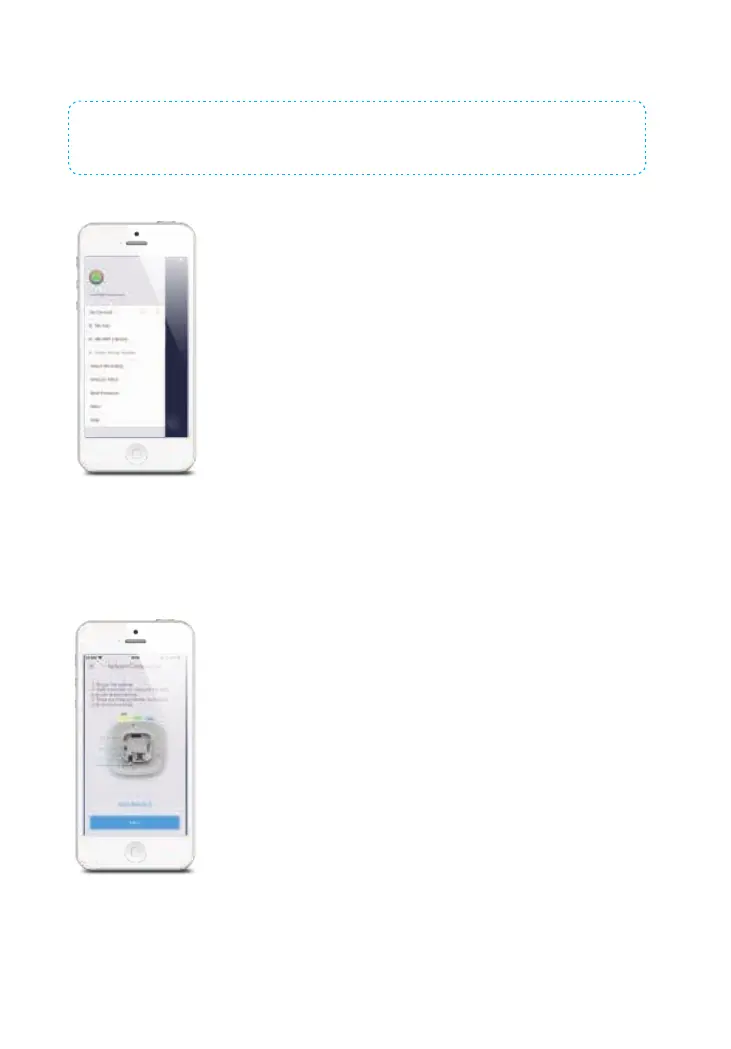
1. Tap the [+] button on the account page and select [WiFi/Cellular Smart Home System].
2. Set the hub to WiFi network conguration mode
Press the WiFi conguration button on the hub 3 times, After the beep, the WiFi indicator
light will alternate between red and blue. The hub is now in conguration mode.


 To Next Page