30
Remote Phone Operation
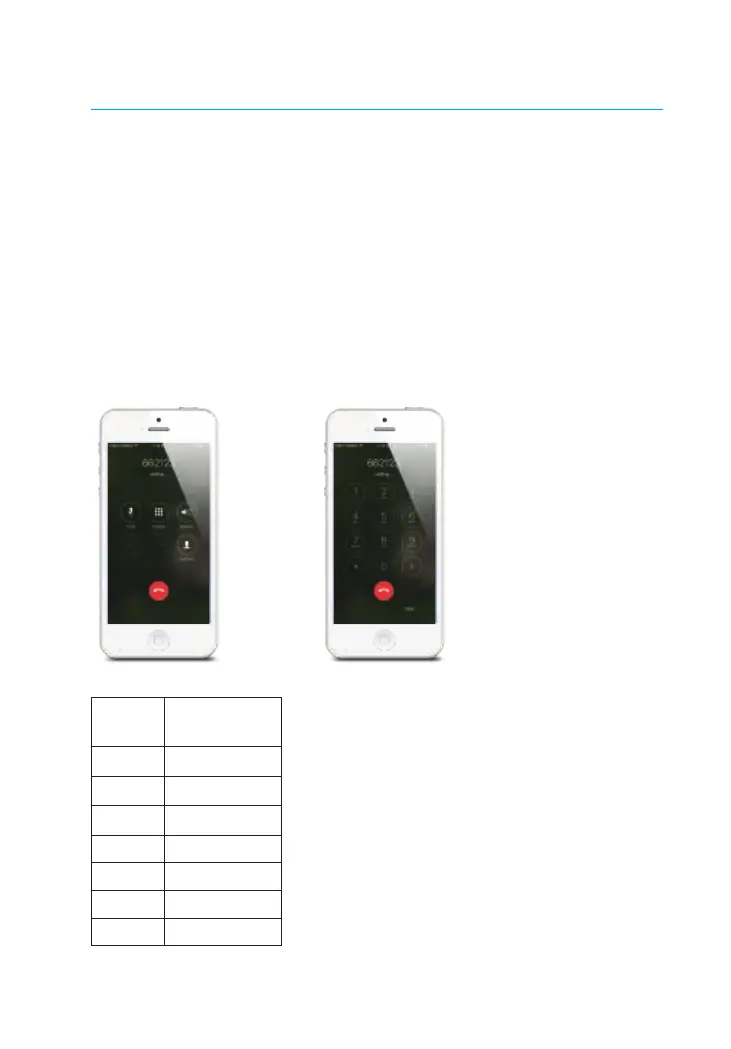
The hub sends SMS message and calls the stored numbers in case of alarm, the
system is in a 1-minute-monitoring state, when the phone call is answered, then
the user is able to press the number keys on the smart phone to control the system
remotely. if no key command is operated during this state, the system will hang up
the call and continue to call the next stored number.
User can also use the stored phone number to call the SIM card number of the hub
to remotely control the system.
Note: Phone numbers which have not been authorized by the hub are unable to
control the system.
Key Commands
Phone
Button
Function
0
Disarm
1
Arm
3
Listen in
# Hang Up
6 Turn Off Siren
9 Turn On Siren
* Two-Way Talk


 To Next Page