16
Account Management
Editing Your Account
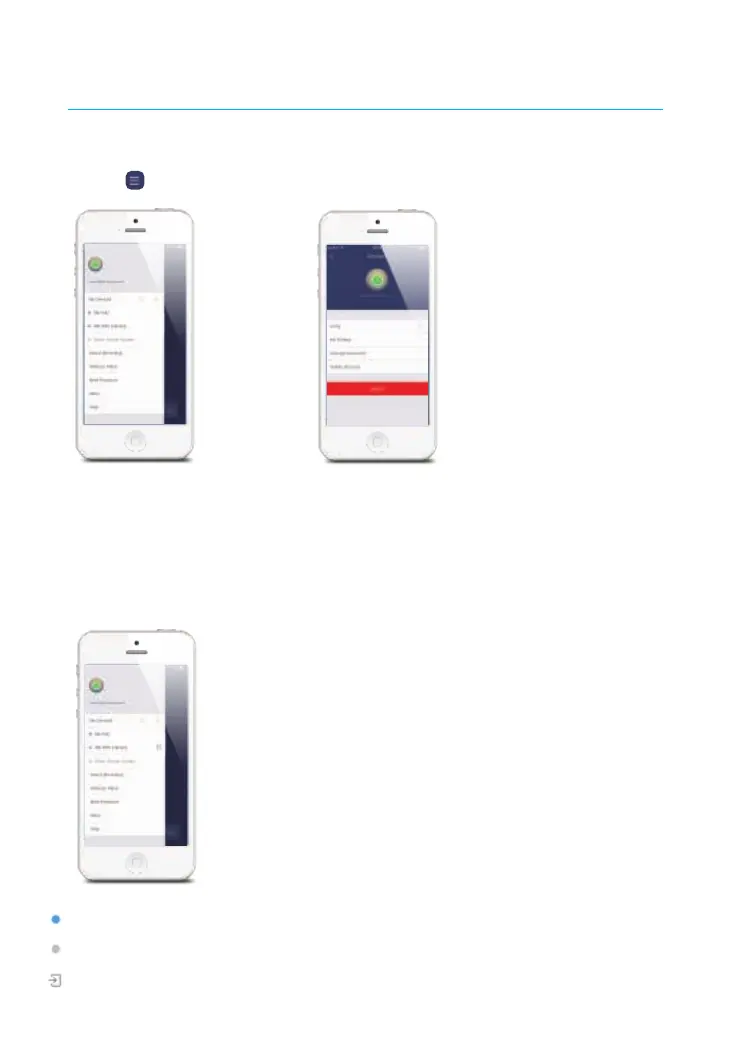
Tap on [ ] on the main page to access the account management.
Tap on the portrait to change your portrait, user name and account password.
My Devices
Check system status after set up and navigate to the corresponding control page by
tapping the device name on this page.
Blue dot indicates that the device is ONLINE.
Grey dot indicates that the device is OFFLINE.
This icon on the left of your device indicates that the device was shared to you by family
or friends.


 To Next Page