21798-01-EN Rev. 04 Page 27
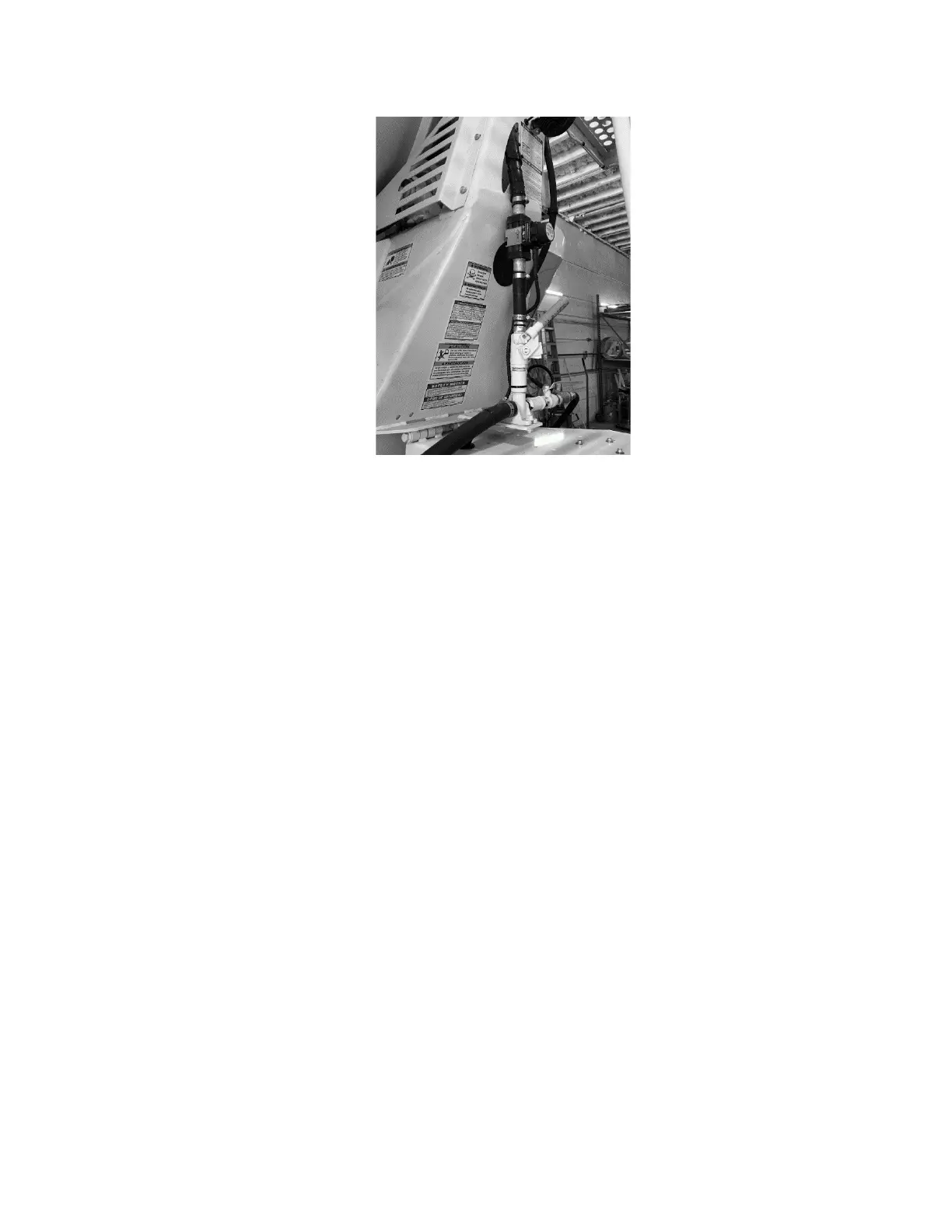
Figure 21: Installed Water Meter
4.9 Configuration Settings
4.9.1
Sensor-to-Receiver Wireless Pairing
Once installed, the SMARThatch sensor must be uniquely paired to the receiver
module.
1)
Install sensor battery and turn on truck power.
2)
The sensor pair button is located in battery compartment next to the
battery terminals. Remove the battery cover by loosening four (4) one-
quarter turn screws and lift the battery cover off. Press and hold button
sensor pair button for a minimum of two
(2) seconds (Figure 22).
3)
The receiver module pair button is located on the side of the receiver
housing. Press and hold receiver pair button for a minimum of two (2)
seconds (Figure 23).
4)
Once pairing is started, LED’s on sensor and receiver will blink green at
3X per second until successful pairing is complete. The LED’s will then
light solid green for 2.5 seconds indicating successful pairing.
5)
If after 30 seconds the LED’s do not light solid pairing was not successful.
Repeat the pairing process starting at step 1 above.



 To Next Page