21798-01-EN Rev. 04 Page 31
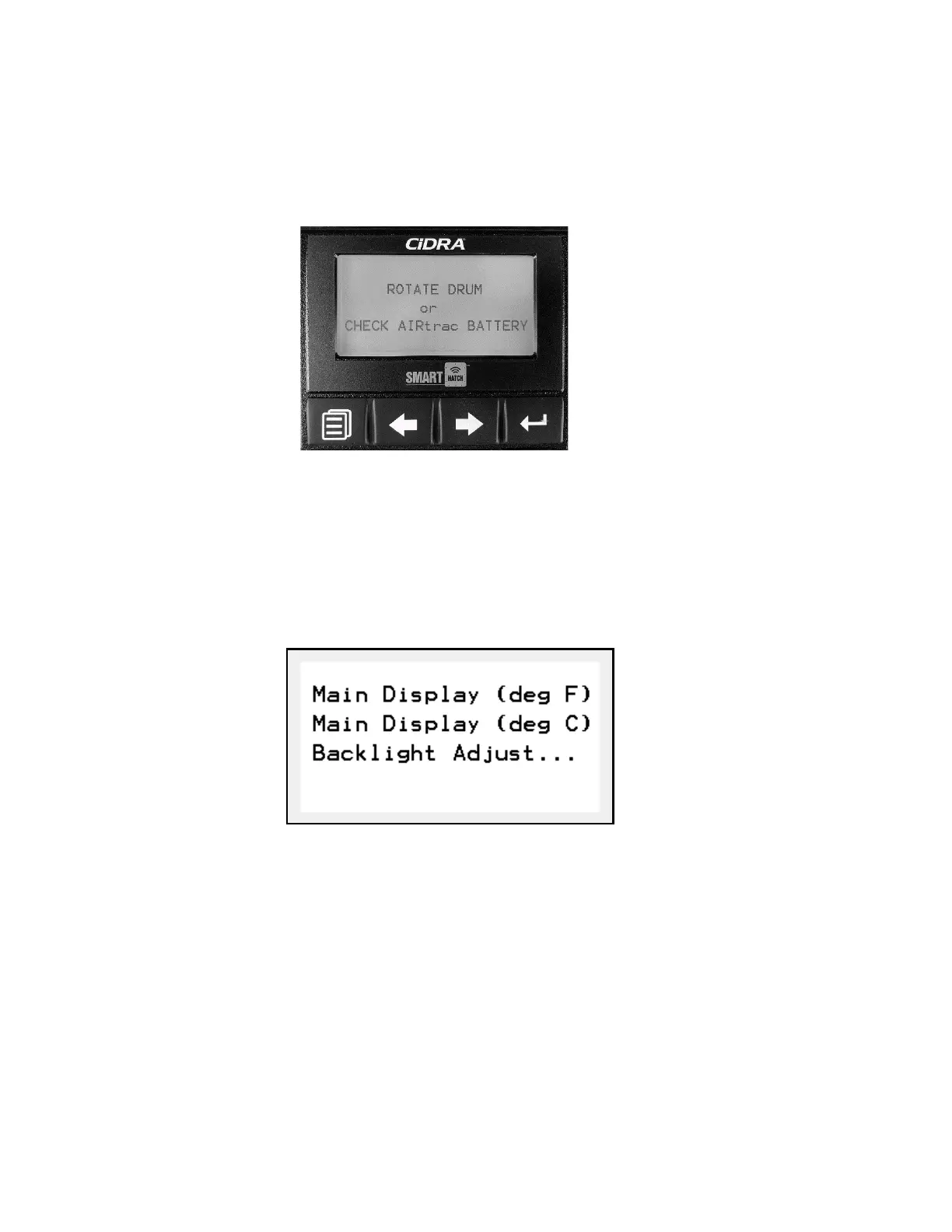
If the SMARThatch sensor battery is depleted (Section 4.3.4), pairing is not
established, or the SMARThatch sensor has entered a power-saving “sleep”
mode (due to several minutes of no drum rotation) the display will show the
following (Figure 27).
5.3.1 Select Display Temperature Units
The concrete temperature can be displayed in ether degrees Fahrenheit
(°F) or degrees Celsius (°C). To select which units are used:
1)
Press the left-most button to display the main menu (Figure 28).
2)
Use the left/right arrow buttons to highlight Main Display (deg
F) or Main Display (deg C).
3)
Press the right-most button to select and return the main display page.
5.3.2 Adjust Display Backlight
The in-cab backlight can be adjusted as desired. To adjust the backlight:
1)
Press the left-most button to display the main menu (Figure 27).
2)
Use the left/right arrow buttons to highlight Backlight Adjust….
Figure 27: In-Cab Display (Depleted Battery or Power-Saving Mode)
Figure 28: Display Main Menu



 To Next Page