CN 3960 Hardware Installation Guide
41
10 G
IGABIT
E
THERNET
P
ORT
LED
S
A
10 Gigabit Ethernet Port LEDs
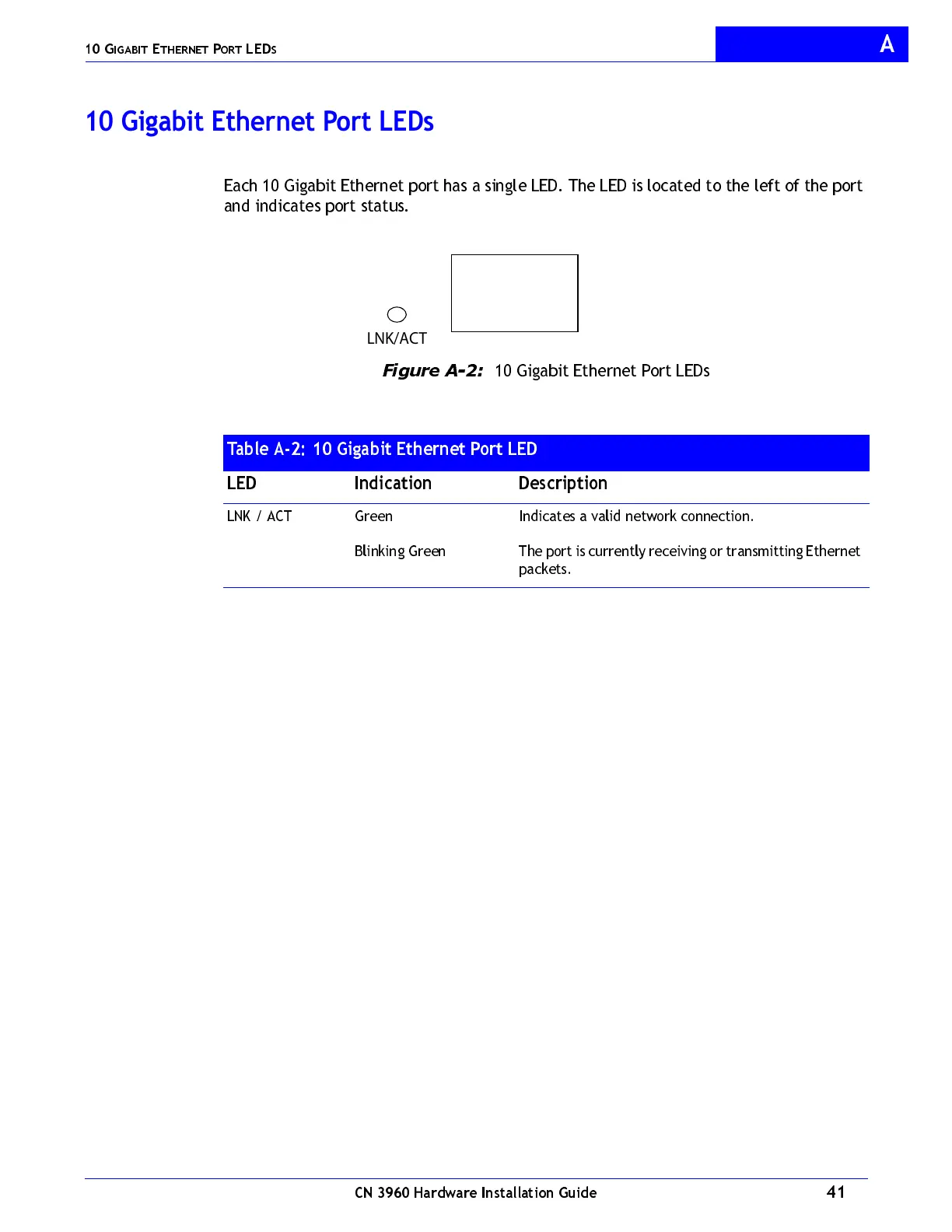
Each 10 Gigabit Ethernet port has a single LED. The LED is located to the left of the port
and indicates port status.
Figure A-2:
10 Gigabit Ethernet Port LEDs
Table A-2: 10 Gigabit Ethernet Port LED
LED Indication Description
LNK / ACT Green
Blinking Green
Indicates a valid network connection.
The port is currently receiving or transmitting Ethernet
packets.
LNK/ACT



 To Next Page