2-20
Cisco Aironet 1130AG Series Access Point Hardware Installation Guide
OL-8369-05
Chapter 2 Installing the Access Point
Securing the Access Point
Step 4 Insert a padlock into the padlock post hole and lock the padlock.
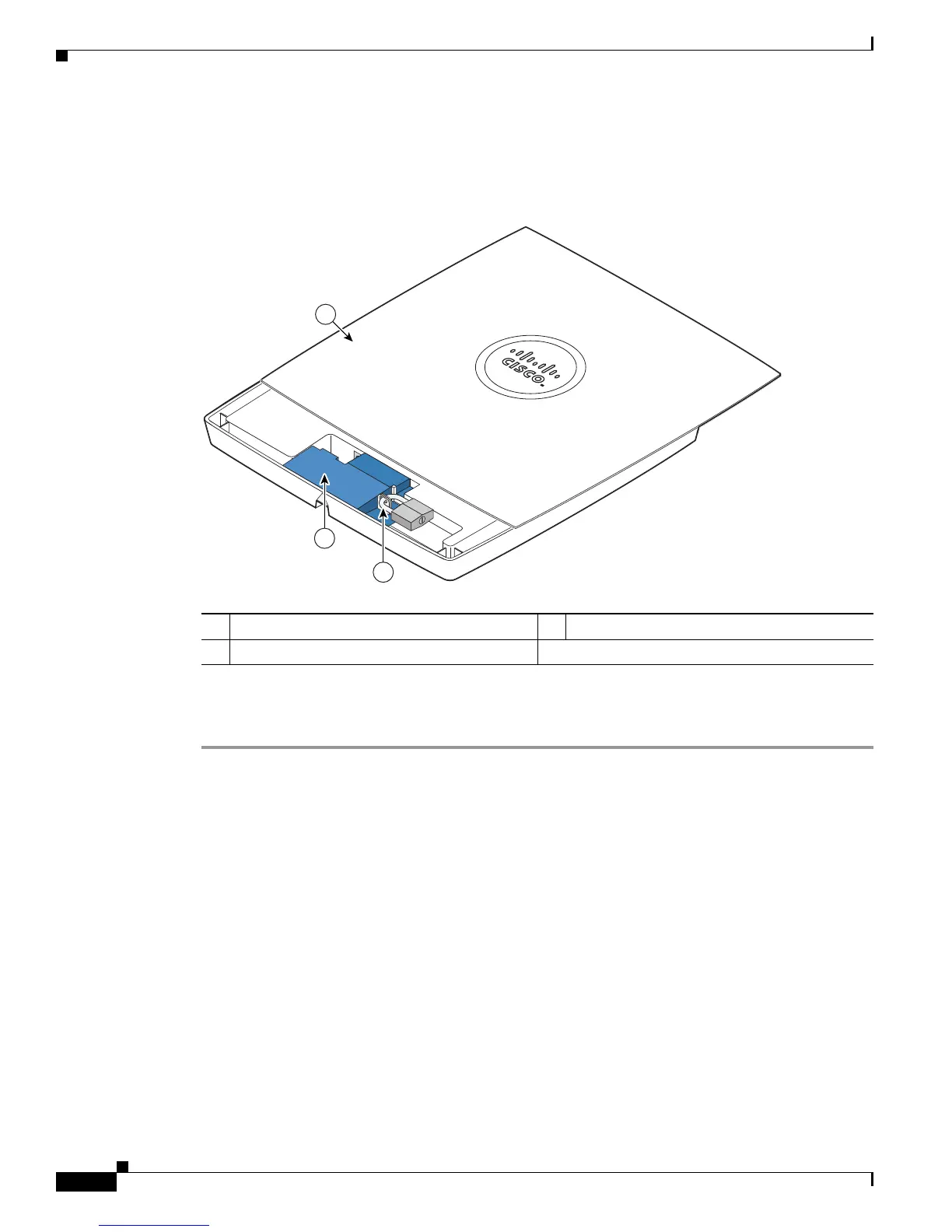
Step 5 Position the padlock into the padlock area (see Figure 2-13
Figure 2-13 Padlock
Step 6 Push down on the padlock to ensure the padlock is held by the security hasp adapter clips.
Step 7 Close the access point cover by sliding it over the security hasp adapter until you hear a click.
1 Access point cover in open position 3 Security padlock
2 Security hasp adapter


 To Next Page
 Loading...