1-7
Cisco Aironet 1240AG Series Access Point Hardware Installation Guide
OL-8371-05
Chapter 1 Overview
Hardware Features
Note Some switches and patch panels might not provide enough power to operate the access point with both
2.4-GHz and 5-GHz radios. At power-up, if the access point is unable to determine that the power source
can supply sufficient power, the access point automatically deactivates both radios to prevent an
over-current condition. The access point also activates a Status LED low power error indication and
creates an error log entry (refer to the “Checking the Lightweight Access Point LEDs” section on
page 3-2 and the “Checking Basic Settings” section on page 3-3).
UL 2043 Certification
The access point has adequate fire resistance and low smoke-producing characteristics suitable for
operation in a building's environmental air space, such as above suspended ceilings, in accordance with
Section 300-22(c) of the NEC, and with Sections 2-128, 12-010(3) and 12-100 of the Canadian
Electrical Code, Part 1, C22.1.
Caution Only the fiber-optic power injector (AIR-PWRINJ-FIB) has been tested to UL 2043 for operation in a
building’s environmental air space; the AIR-PWRINJ3 power injector and the power module are not
tested to UL 2043 and should not be placed in a building’s environmental air space, such as above
suspended ceilings.
Anti-Theft Features
There are three methods of securing the access point:
• Security cable keyhole—You can use the security cable slot (see Figure 1-3) to secure the access
point using a standard security cable, like those used on laptop computers (refer to the “Using a
Security Cable” section on page 2-17).
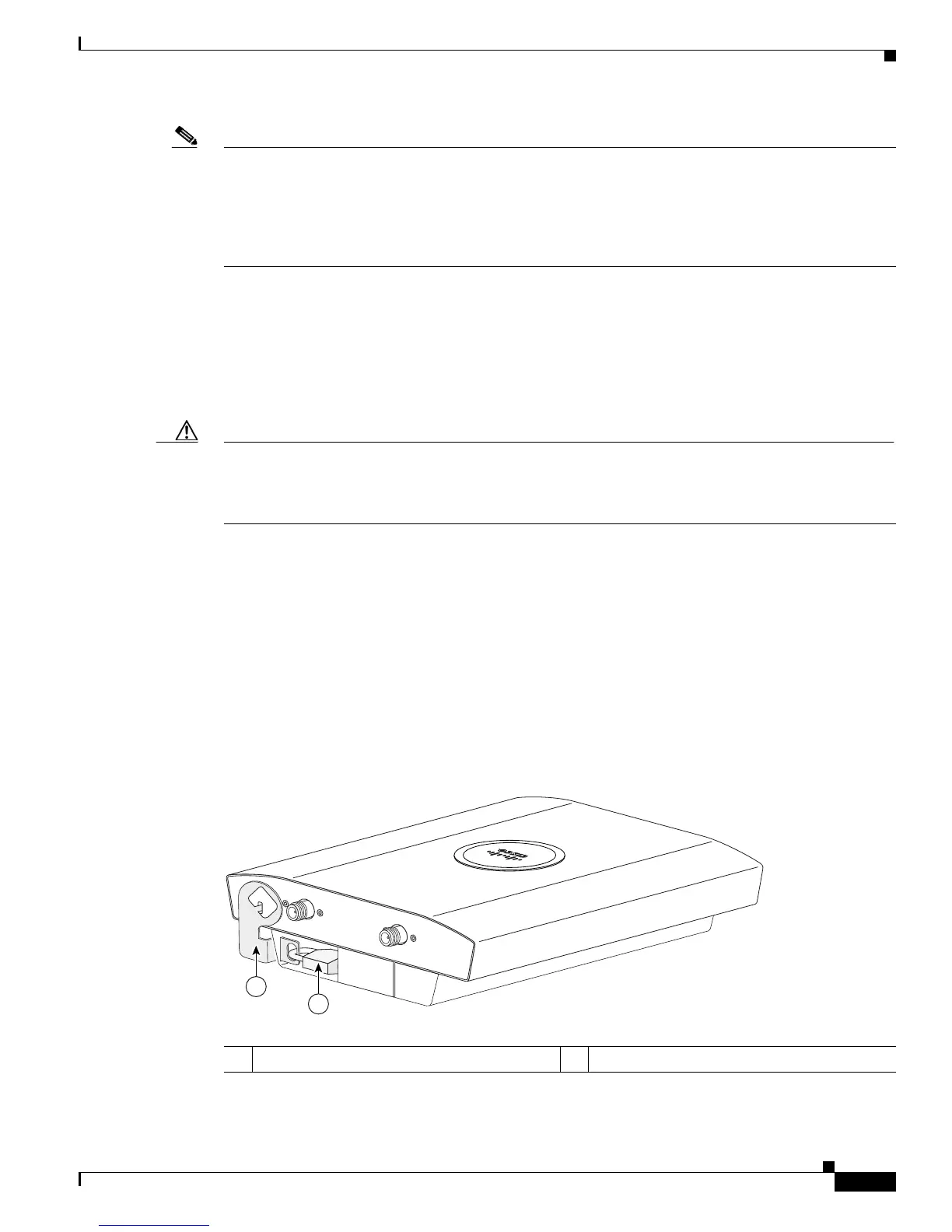
• Security hasp—When you mount the access point on a wall or ceiling using the mounting plate and
the security hasp, you can lock the access point to the plate with a padlock (see Figure 1-4).
Compatible padlocks are Master Lock models 120T and 121T or equivalent.
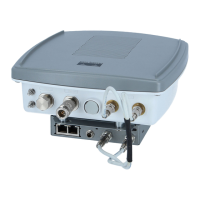
Figure 1-4 Access Point with Security Hasp and Padlock
1 Security hasp 2 Security padlock
135442
2.4 GHz RIGHT / PRIMARY
2.4 GHz LEFT
1
2


 To Next Page
 Loading...