2-6
Cisco Aironet 1240AG Series Access Point Hardware Installation Guide
OL-8371-05
Chapter 2 Installing the Access Point
Deploying the Access Points on the Wireless Network
Step 4 For lightweight access points, after your access points are deployed, ensure that your controller is not
configured as a master controller. A master controller should only be used for configuring access points
and not in a working network.
Access Point Layout and Connectors
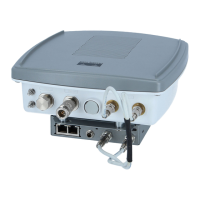
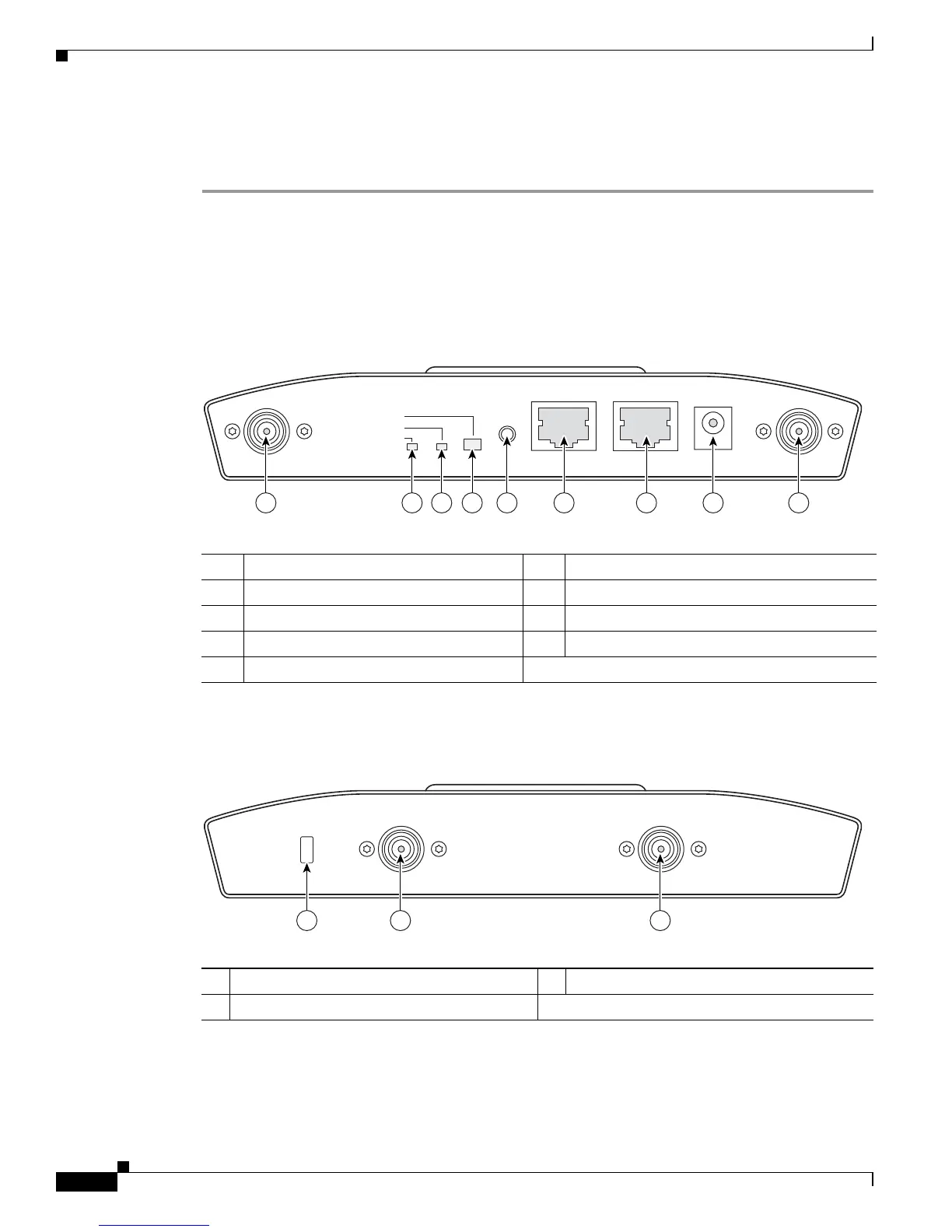
Figure 2-1 illustrates the 2.4-GHz connector end of the access point.
Figure 2-1 Access Point 2.4-GHz Connector End
Figure 2-2 illustrates the 5-GHz connector end of the access point.
Figure 2-2 Access Point 5-GHz Connector End
1 2.4-GHz antenna connector (left) 6 Console port (RJ-45)
2 Ethernet LED 7 Ethernet port (RJ-45)
3 Radio LED 8 48-VDC power port
4 Status LED 9 2.4-GHz antenna connector (right/primary)
5 MODE button
STATUS
RADIO
ETHERNET
MODE
CONSOLE
ETHERNET
48VDC
2.4 GHz RIGHT/PRIMARY
2.4 GHz LEFT
135435
6 7 8 91 5432
1 5-GHz antenna connector (left) 3 Security key slot )
2 5-GHz antenna connector (right/primary
LEFT
5 GHz ANTENNA w/RP-TNC
135436
1
RIGHT / PRIMARY
23


 To Next Page
 Loading...