1-2
Cisco Unified IP Phone 8961, 9951, and 9971 Administration Guide for Cisco Unified Communications Manager 8.5 (SIP)
OL-20861-01
Chapter 1 An Overview of the Cisco Unified IP Phone
Understanding the Cisco Unified IP Phone 8961, 9951, and 9971
Understanding the Cisco Unified IP Phone 8961, 9951, and 9971
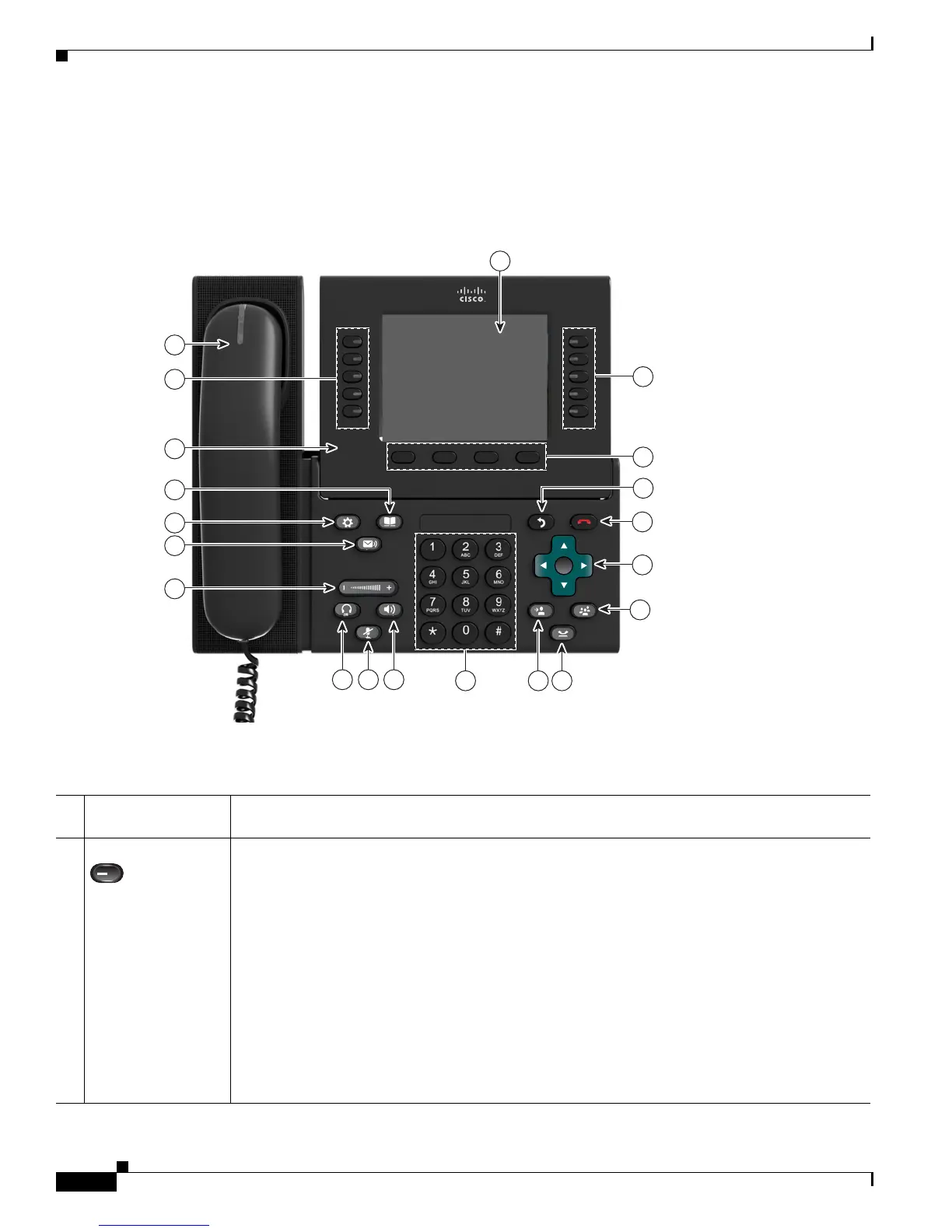
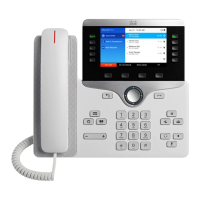
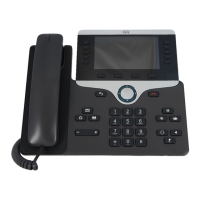
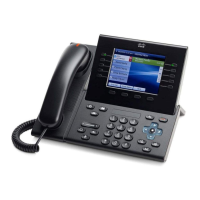
Figure 1-1 shows the main components of the Cisco Unified IP Phone 8961.
Figure 1-1 Cisco Unified IP Phone 8961
Table 1-1 describes the buttons on the Cisco Unified IP Phone 8961.
1
8
12 1113
10 9
14
18
20
19
15
16
17
5
6
7
2
3
4
194674
Table 1-1 Features on the Cisco Unified IP Phone 8961
1
Phone screen Shows information about your phone, including directory number, call information (for
example caller ID, icons for an active call or call on hold) and available softkeys.
2
Session buttons Each represents a call session and takes the default action for that session. For example, pressing
the session button for a ringing call answers the call, while pressing the session button for a held
call resumes the call.
Color LEDs reflect the call state. LEDs can flash (blink on and off rapidly), pulse (alternately
dim and brighten), or appear solid (glow without interruption).
• Flashing amber—Ringing call
• Solid green—Connected call or an outgoing call that is not yet connected
• Pulsing green—Held call
• Solid red—Shared line in-use remotely
• Pulsing red—Shared line call put on hold remotely (when Privacy is off)
(The position of session buttons may be reversed with that of programmable feature buttons on
phones using a locale with a right-to-left reading orientation, such as Hebrew and Arabic.)


 To Next Page