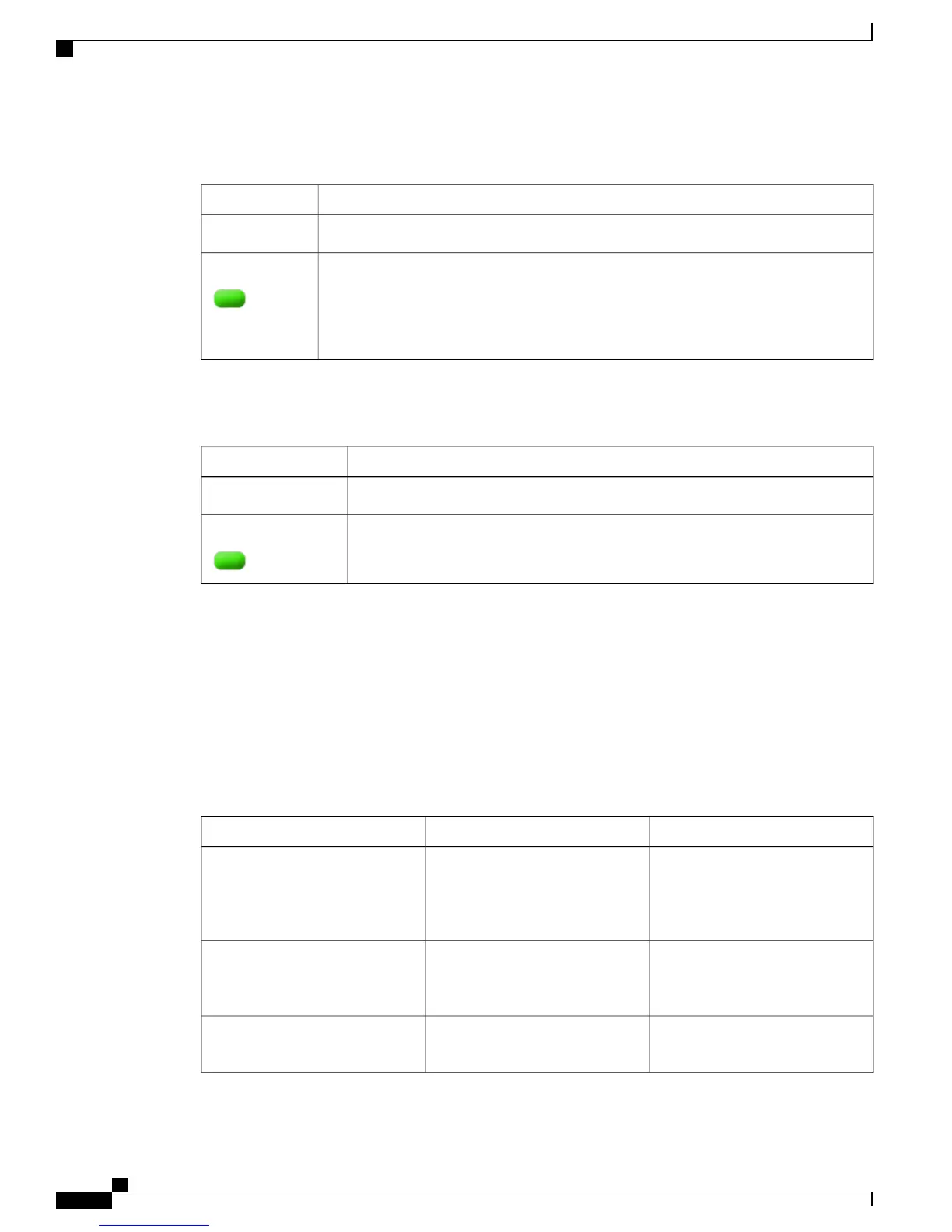
Speed LED
DescriptionColor
Speed Mode Disabled.Off
Speed Mode Active. Port LEDs indicate port speed as follows:
•
Downlink: Green = 100 Mbps, Amber = 10 Mbps, Off = No Link
•
Uplink: Green = 1000 Mbps, Amber = 100 Mbps, Off = 10 Mbps or No Link
Green
Power Save LED
DescriptionColor
System is running normallyOff
System is in a deep sleep mode.Green
Mode Button
The mode button is used for resetting the switch, entering express setup mode, selecting or changing an LED
mode, and manually waking up the switch from hibernation mode.
In Cisco Catalyst Digital Building series switches, LEDs are normally turned off to save power. When the
mode button is pressed, the LEDs turn on for a set period (60 seconds) before they turn off again to save
power. This can be overridden by a configuration parameter which alters the default 60 second timeout or
disables LED power savings completely. All LEDs are affected by this function except the System LED,
which only dims and does not turn off completely.
ActionDurationSystem State
Activates the LEDs for 60 seconds,
then returns the LEDs to Off State.
System LED dims but does not turn
off.
AnyLEDs Off
Toggle between "Stat" and "Speed"
LED modes. These modes only
affect the port data LEDs.
AnyLEDs On
Stops autoboot and remains at
bootloader prompt.
Hold until bootloader completesBootloader Active
Catalyst Digital Building Series Switch Hardware Installation Guide
10
Product Overview
LEDs











 To Next Page