7.7.5. The device status view
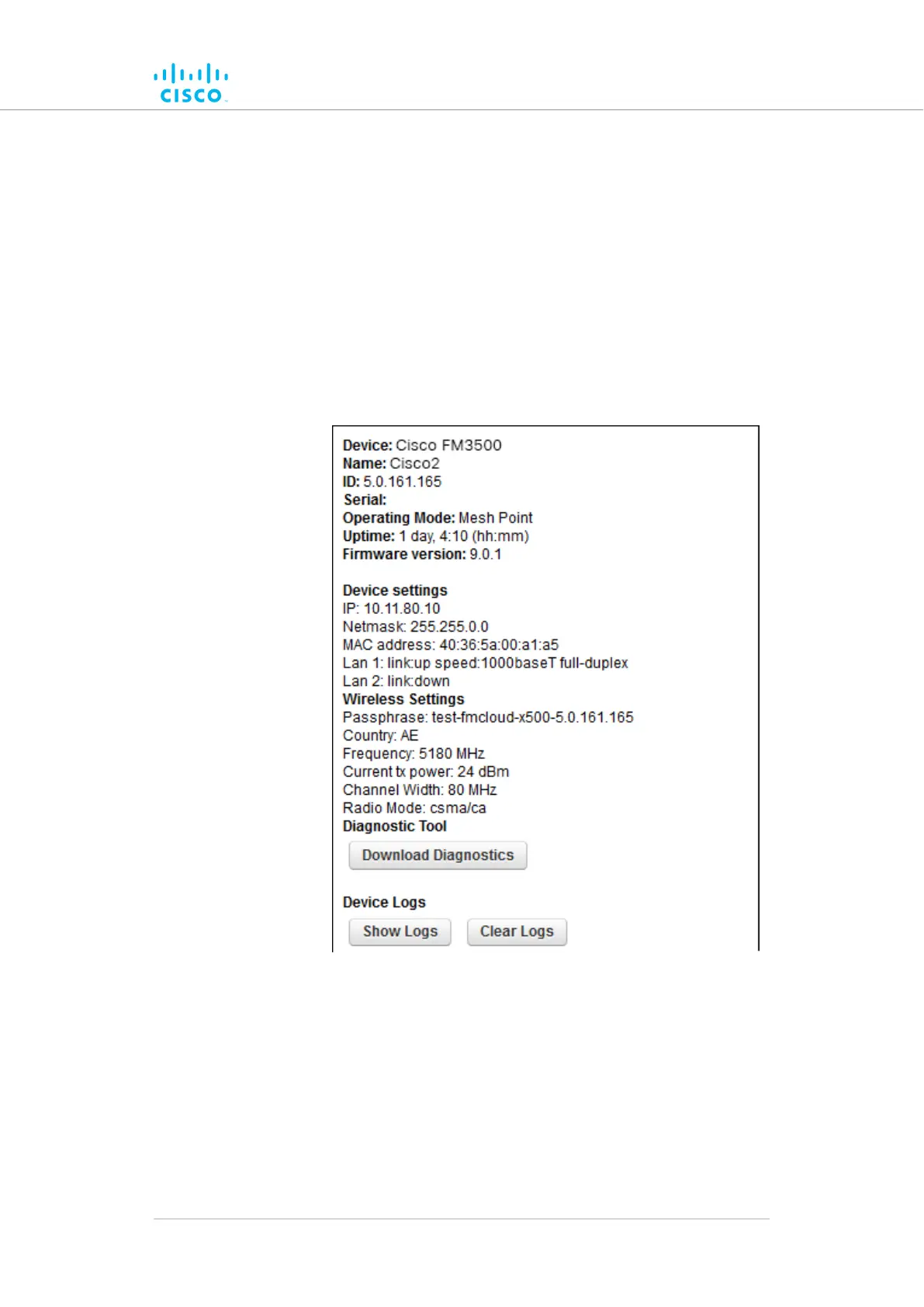
The device status window
The device status window contains information on basic Cisco device
settings (including the unit's MAC address), and controls that allow you to
download diagnostic data files and view device-event logs.
To use the status window, do the following steps:
• Click the -status link under MANAGEMENT SETTINGS in the
left-hand settings menu.
• The status dialog will be shown (below).
Figure 59. Configurator GUI (typical Status dialog)
Device configuration using the configurator interface
© 2021 Cisco and/or its affiliates. All rights reserved. Page 134 of 175



 To Next Page