CAUTION
To prevent leaks and cable damage, tighten the cable gland by
hand only. Do not use a wrench. No additional tape or sealing
hardware is required.
If you are running only one Ethernet cable through the rubber
seal, block the second cable hole with a one-inch cable stub
only.
5.1.2. Best practice for shielded CAT5/6 connectors
CAUTION
To avoid the possibility of damage to network components due
to electrostatic discharge (ESD), it is extremely important that
all shielded CAT5/6 connectors are assembled according to
the standards and directives in this section.
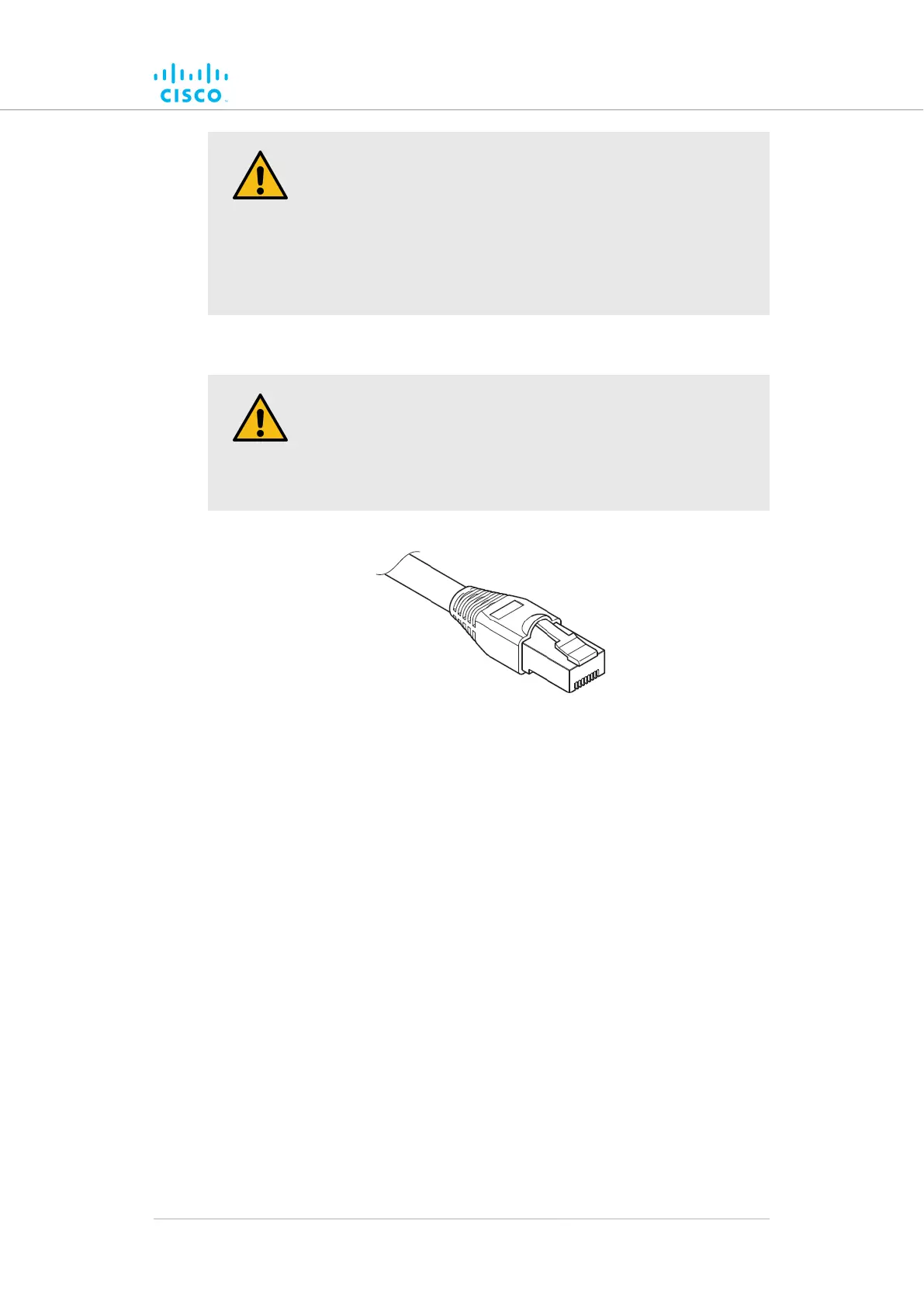
Figure 6. Shielded CAT5/6 connector
incablesRF-shieldedUse only professional-quality, outdoor-rated,
conjunction with Cisco radio transceivers.
Assemble all shielded CAT5/6 connectors to the following standards:
• Only use shielded RJ45 Ethernet connectors.
• When inserting each connector into a shielded Ethernet port, the
connector's inner jacket must form a positive contact with the
Ethernet port.
• When each RJ45 connector is plugged into the correct Ethernet
port of the Cisco FM1200 Volo, lock the bottom of the RJ45
connector using the side retaining screws.
• When all RJ45 connectors are connected to the unit, make sure
that the bottom cover of the unit is correctly secured to the unit
enclosure.
Hardware installation
© 2021 Cisco and/or its affiliates. All rights reserved. Page 29 of 175



 To Next Page