6
Chapter 3: Getting to Know the Wireless-G Notebook Adapter
The LED Indicators
Wireless-G USB Network Adapter
Chapter 3: Getting to Know the Wireless-G Notebook
Adapter
The LED Indicators
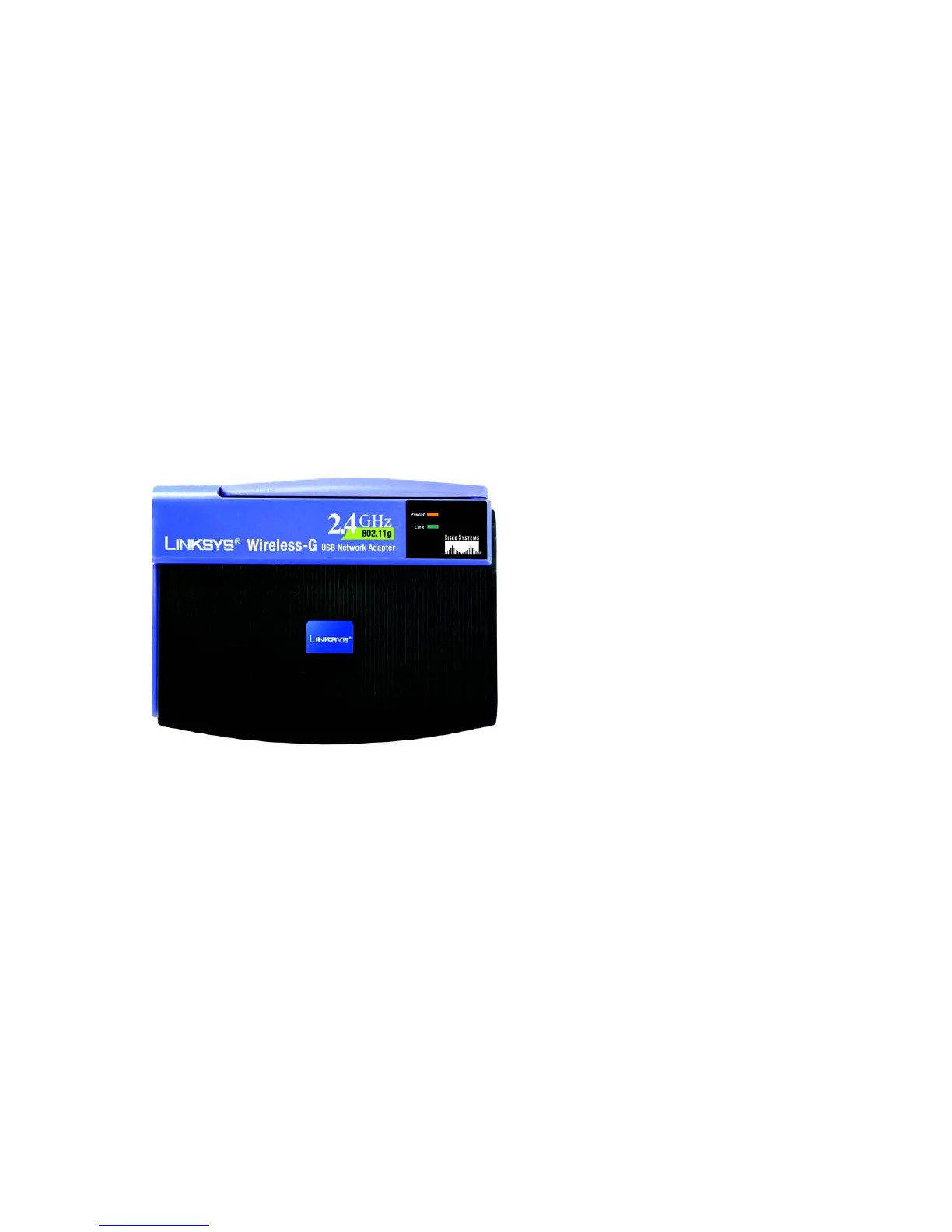
The Network Adapter's LEDs display information about network activity.
Power Green. The Power LED lights up when the Adapter is powered on.
Link Green. The Link LED lights up when the Adapter has an active connection.
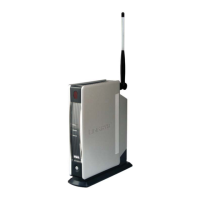
Figure 3-1: Front Panel


 To Next Page
 Loading...