14
Chapter 4: Setting up and Connecting the USB Network Adapter
Setting Up the Adapter
Wireless-G USB Network Adapter
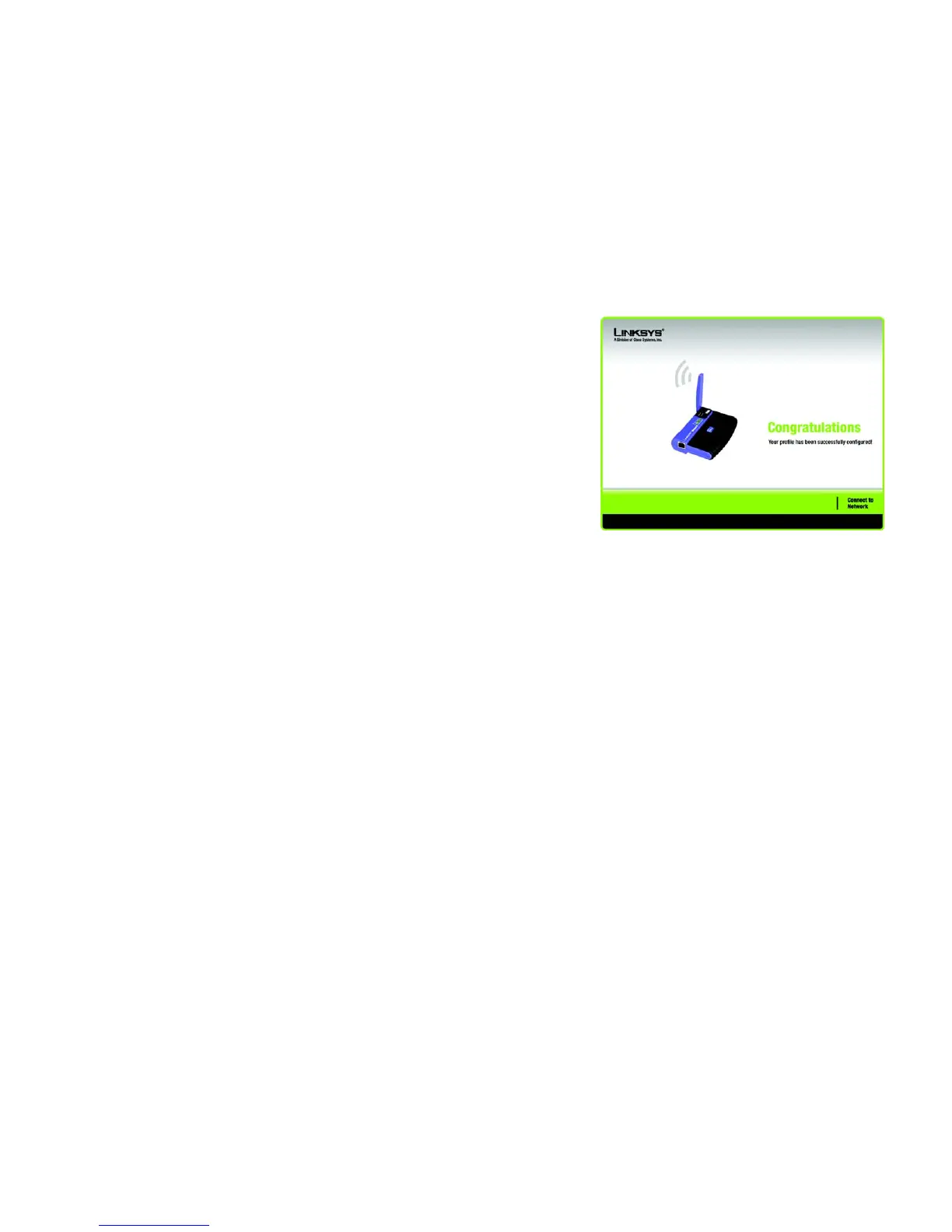
2. After the Adapter has been configured for the network, the Congratulations screen will appear. Click Connect
to Network to connect to your network.
Congratulations! Setup is complete.
To check the link information, search for available wireless networks, or make additional configuration
changes, refer to Chapter 5: Using the Wireless Network Monitor.
Figure 4-15: The Congratulations Screen


 To Next Page
 Loading...