Previous
Moves to a previous item in a list (for example,
a song in the MP3 Playlist).
PrivHold Puts a call on hold on an active shared line.
Redial Brings up the list of recently dialed numbers.
Refresh Refreshes the screen. Useful after changing a
configuration or when you want to update
information (such as weather).
Resume Resumes a call that is on hold.
Save Saves your changes.
Scan Scans for wireless networks or Bluetooth
devices.
Select Selects the highlighted item on the LCD
screen.
Transfer Performs a call transfer.
Unpark Connects to a parked call.
View Displays more information about a selected
item.
Information Screen
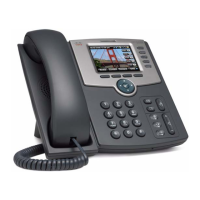
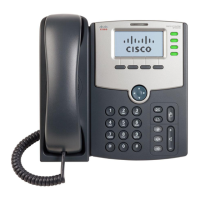
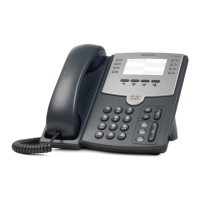
The display screen of your phone provides you with a host of important
information elements. This screen is also referred to as the idle screen.
The screen displays:
•
Popup text
•
Do Not Disturb text
•
Missed call text or second incoming caller display
•
Directory
•
Time and date text
•
Voicemail and missed call indicators
11








 To Next Page