Forward Voicemail Messages via the Phone
A user can forward a voicemail from his or her voicemail box to another voicemail
box or group of voicemail boxes.
1.
Once logged in to your voicemail box, press 1 to listen to
your message(s)
2.
Press 6 at any time while listening to the message to for
after the message
3.
Press 1 to forward the message
4.
Enter the phone number, extension number or group
number to receive the mess
age
5.
Record an introduction to the message.
6.
Touch * to send the message
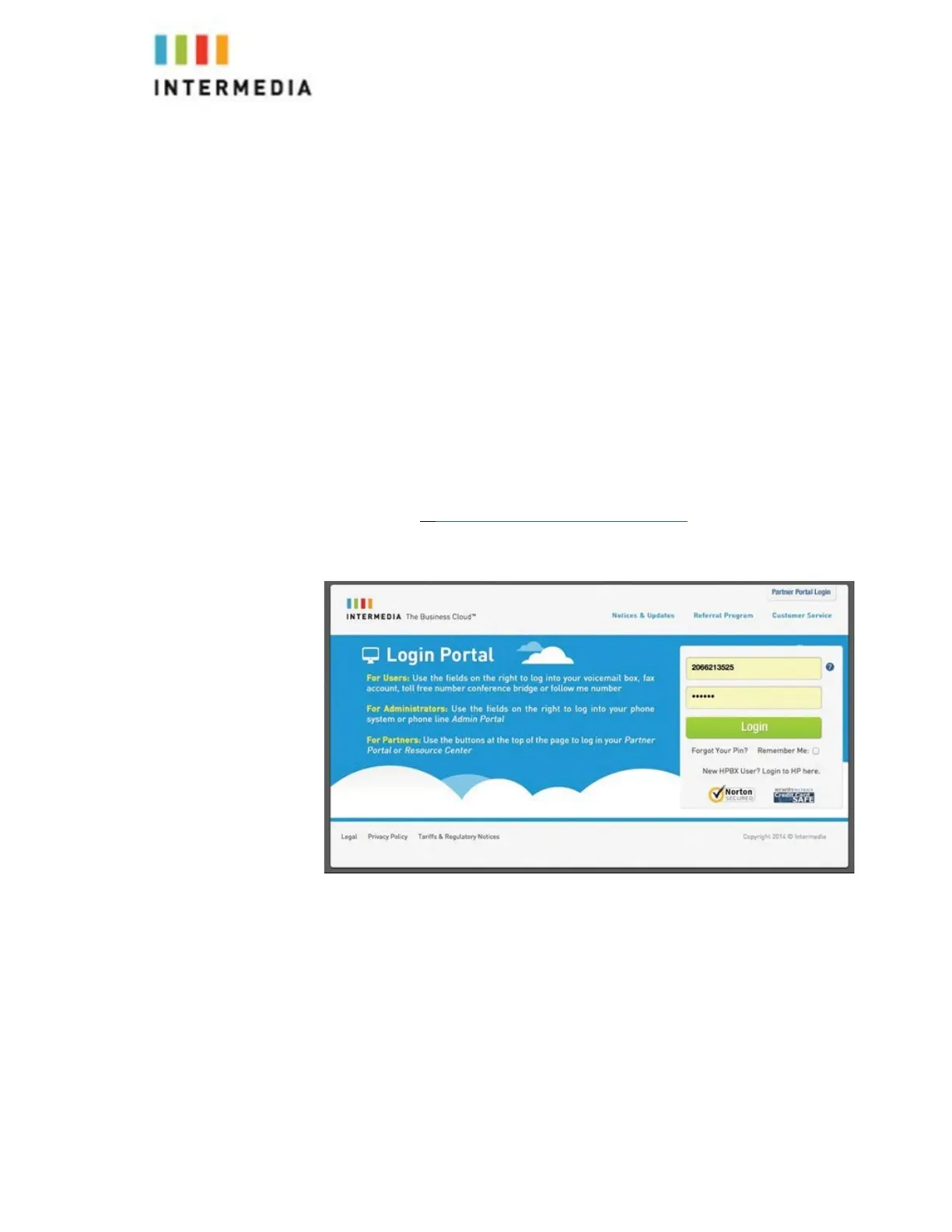
Logging into your Voicemail Box via the Web
1.
Go to https://www.intermedia.net/login/voice/
2.
Enter your Desk Phone Number and PIN
3.
Click Login
Retrieving messages via the Web
1.
Once logged in, click the Play button associated with the voice- mail
message you wish to listen to
2.
The voicemail message will play through your speakers
30












 To Next Page