To
Create a Voicemail Group
A Voicemail Group allows you to quickly forward a voicemail message to multiple
other people without entering each person individually. Voicemail groups are
created through your personal website.
1.
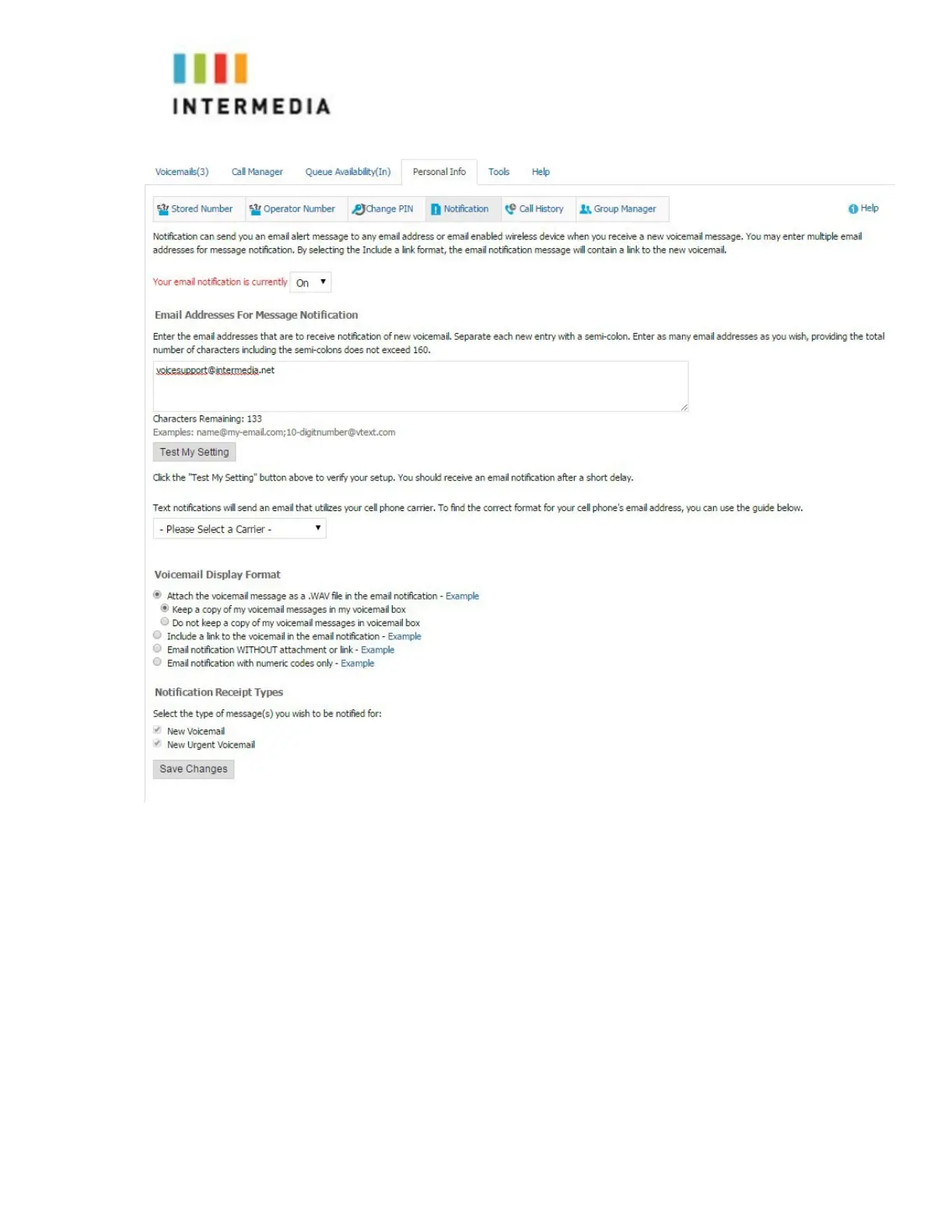
Once logged in, select the Personal Info Tab
2.
Select the Group Manager button
3.
Click the Create Group button
4.
Assign a Group Number- used when forwarding to a group through the
phone
5.
Assign a Group Name
6.
Add an optional description
7.
Add members to the group one at a time by entering their name or phone
number
8.
For each member you add, determine if that person should be:
•
Administrator- Able to make changes to the group
Sender- A
ble to send to this group
33








 To Next Page