14 Keypad Use to dial phone numbers, enter letters,
items.
15 Speaker button Press to turn the speaker on or off.
When
the speaker is on, the button
glows green.
16
Keypad
Press keys to dial phone numbers, enter
items.
Soft key Buttons
This section contains information on the terms used when interacting with your
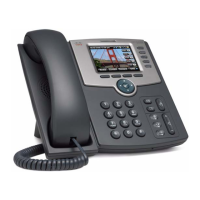
new Cisco SPA525G2 Desk Phone.
The soft key buttons on your phone display might vary depending on your phone
model and the phone system setup. Press the Right Arrow / Left Arrow keys
or More on the navigation button to view additional soft key buttons.
Add
Adds a new item (for example, a new
directory entry).
AddList
Creates a list (for example, of MP3 files to
play).
Alpha Press to enter alphabetic characters in a data
entry field.
Answer
Answers an incoming call.
Back
Returns you to the previous screen.
Barge
Press to interrupt a call on a shared extension.
BlindTransfer
Performs a blind call transfer.
Call Rtn Returns the last missed call by dialing the
number that called you.
8








 To Next Page