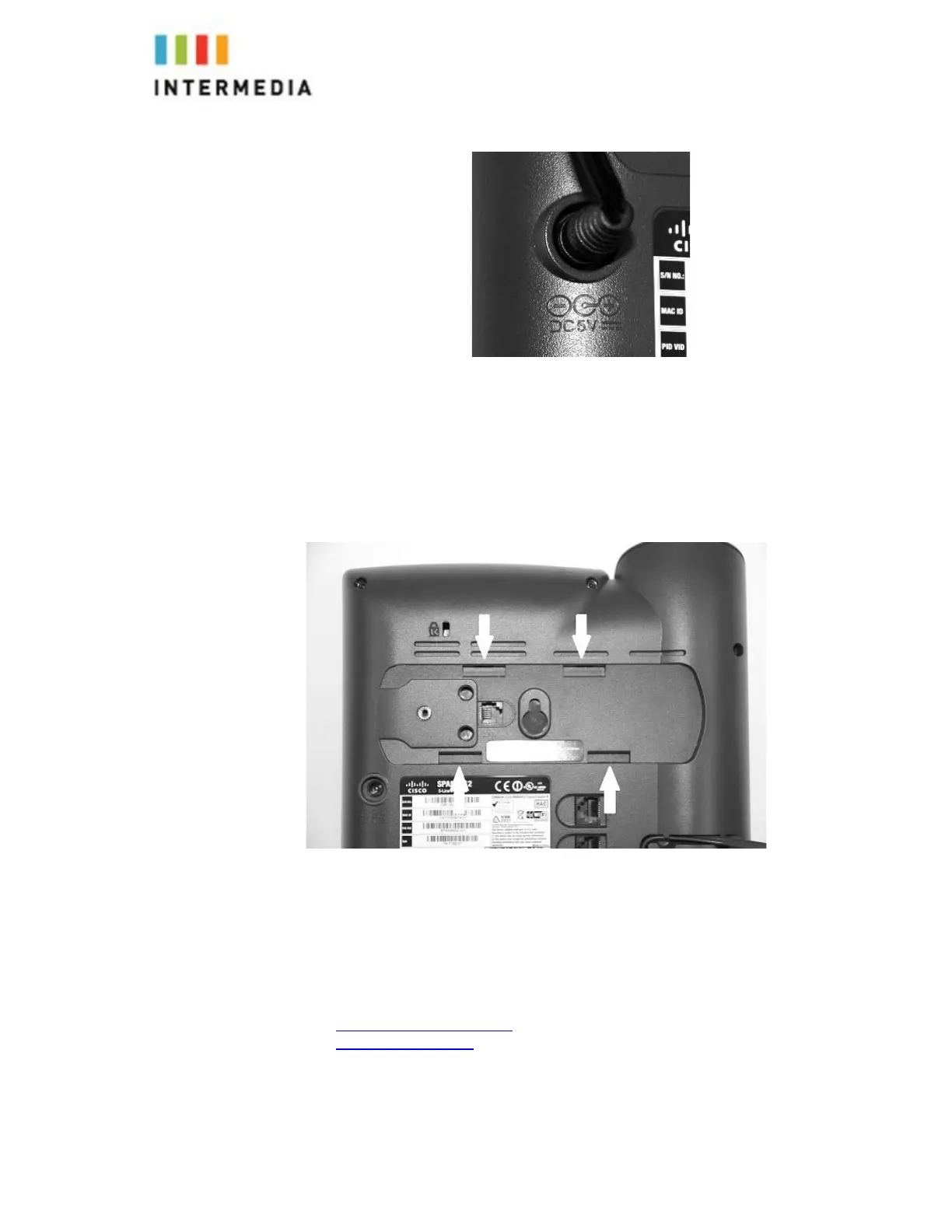
4.
Attach the Phone Base as a Desk Mount
a.
Align the base bracket with two of the four slots on the back of the
phone.
b.
Pinch base slightly and slap other two tabs into remaining holes
Connecting Wired and Wireless Headsets
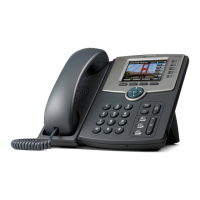
The Cisco SPA525G2 supports headsets from different manufacturers.
Additional information can be found at the manufacturer’s websites:
http://www.plantronics.com
http://www.jabra.com
Each brand and type of headset may require different steps for connection.
Consult the documentation for your particular headset for more information.
50








 To Next Page