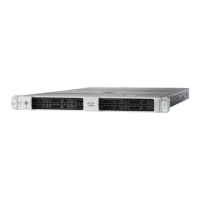
Cisco UCS C200 M2 High-Density SFF Drive Rack-Mount Server
DETAILED VIEWS
5
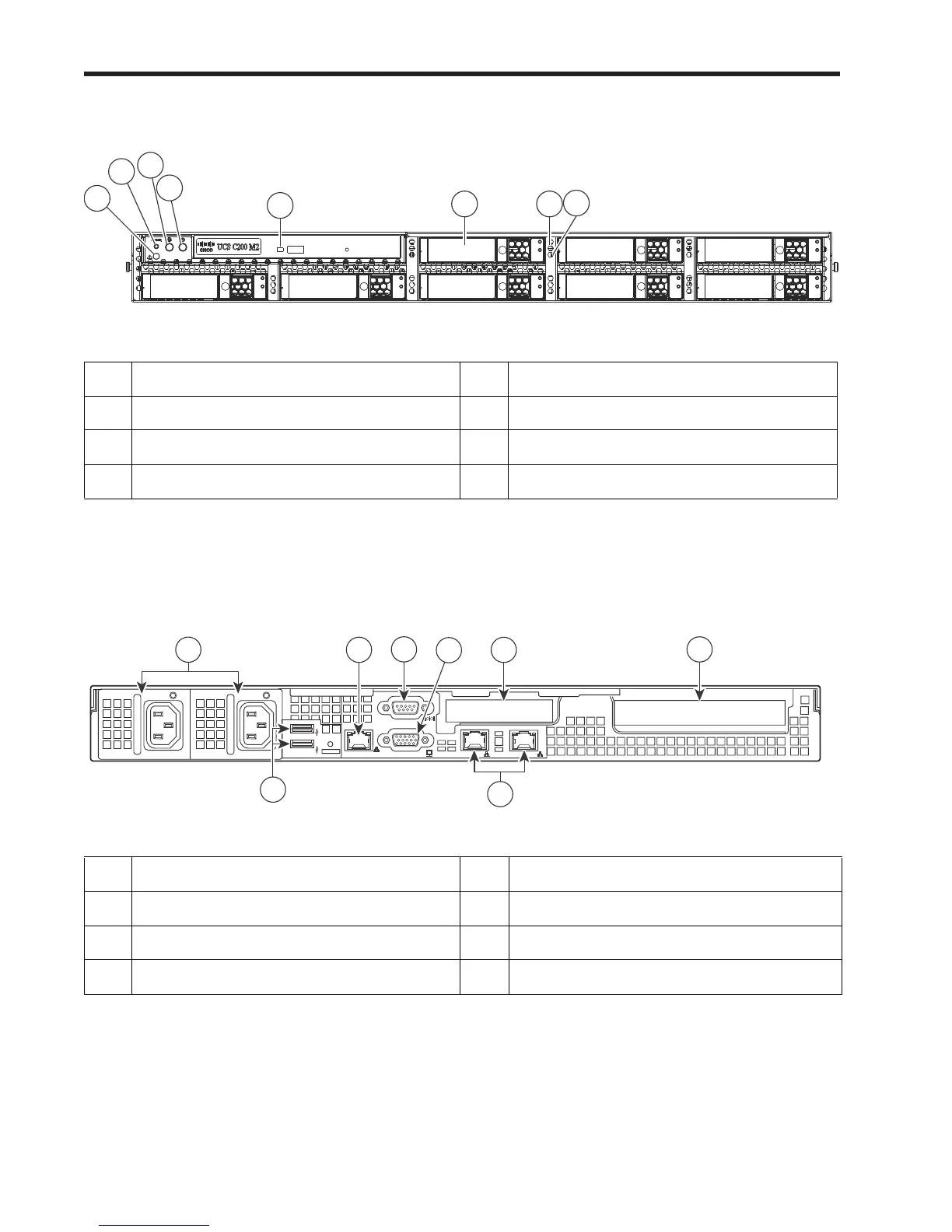
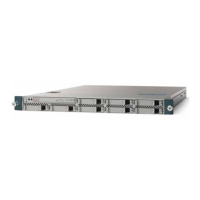
Figure 3 Chassis Front View (Optional DVD-RW Optical Drive Installed)
Chassis Rear View
Figure 4 shows the external features of the rear panel.
Figure 4 Chassis Rear View
1 System fault LED 5 DVD activity LED
2 Reset button 6 Hard drives (up to 8)
3 Locator button/LED 7 Hard drive fault LED
4 Power button/Power status LED 8 Hard Drive Activity LED
1 Power supply (up to 2) 5 Video connector (DB15 VGA)
2 10/100 Ethernet management port (RJ-45) 6 10/100/1000 Gigabit Ethernet ports (2)
3 USB 2.0 connectors (2) 7 Low-profile PCIe card slot (PCIe slot 7)
4 Serial connector (DB9) 8 Standard-profile PCIe card slot (PCIe slot 6)
M
1/M
2
1
253037
5
6
2
3
4
7
8
Slot 6
Slot 7


 To Next Page