CHAPTER 1
Your Camera
• About the Webex Desk Camera, on page 1
• New and Changed Information for Firmware Release 2.3(1), on page 2
• Camera Hardware, on page 2
• Physical and Operating Environment Specifications, on page 4
• Supported Languages, on page 5
• Clean Your Camera, on page 5
• Additional Help and Information, on page 5
• Cisco One-Year Limited Hardware Warranty Terms, on page 6
About the Webex Desk Camera
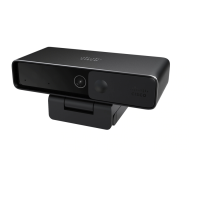
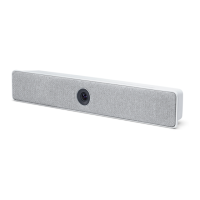
Figure 1: Webex Desk Camera
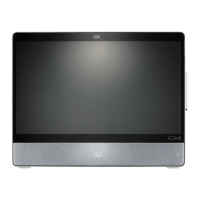
The Webex Desk Camera is a USB web camera for video conferencing, video streaming, and video recording.
The camera provides up to 4K Ultra HD video and high-definition audio.
With multiple options for resolution and frame rate, the camera meets the use cases with Webex App, Webex
Meetings, Cisco Jabber, and all popular third-party video conferencing and video streaming apps. The autofocus,
face detection, and 10x digital zoom enhance your video experience for meeting and video streaming.
Webex Desk Camera Administration Guide
1






 To Next Page
