2266
Technical Support: 800-283-5936
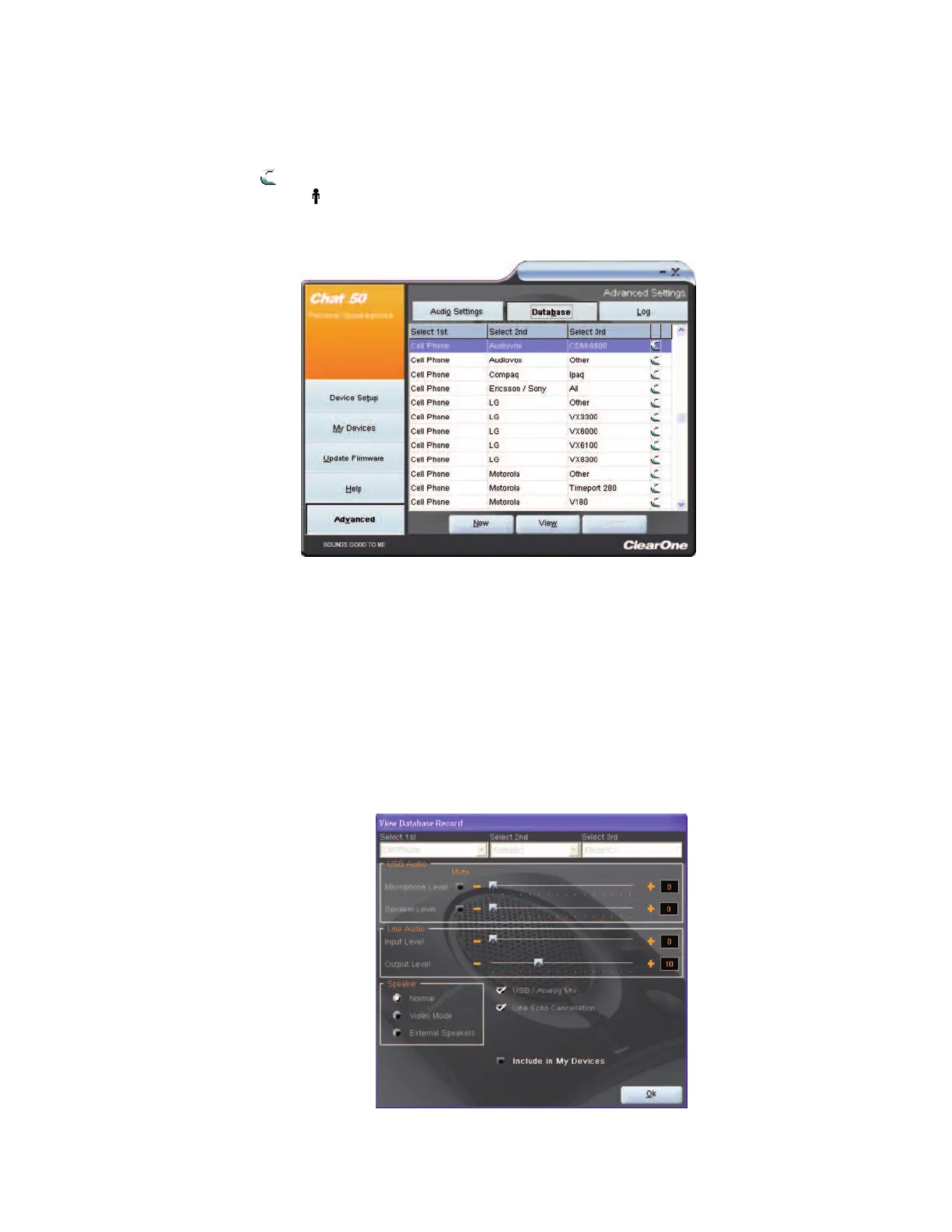
AAddvvaanncceedd SSeettttiinnggss:: DDaattaabbaassee
The
DDaattaabbaassee
screen allows you to view devices, create devices, and edit devices in the Device Database.
The database includes pre-defined devices with optimal audio settings pre-programmed by ClearOne
(identified by a next to the devices); and custom devices you create using this screen or the My Devices
screen (indicated by a next to the devices).
VViieeww DDeevviiccee AAuuddiioo SSeettttiinnggss
To view settings for a device, select the device’s row in the Database screen and click
VViieeww
. The
VViieeww
DDaattaabbaassee RReeccoorrdd
dialog appears. To view the current settings on the CHAT 60, click
UUppllooaadd ffrroomm CCHHAATT
. Use
the sliders, radio buttons, and check boxes to change the audio settings (if needed), then click
OOkk
to save the
changes.



 To Next Page