English - 34 -
RS232/LAN Command Tables
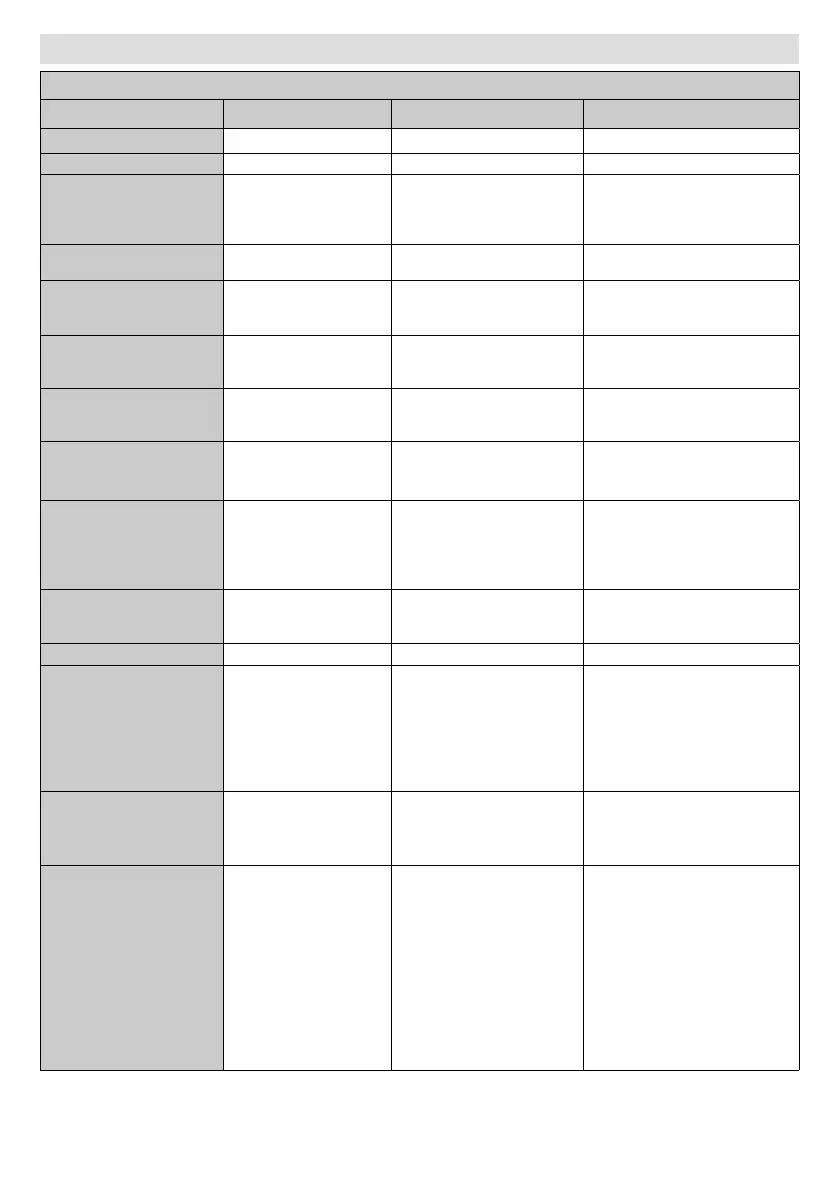
AUDIO COMMANDS
Command Description Parameter Return
VOLUME Set volume level. #*set volume to n
GETVOLUME Volume level information. no parameter #*volume level is ...
HEADPHONEVOLUME
Set headphone volume
level.
#*set headphone volume to n
or
#*invalid headphone volume
level entered
GETHEADPHONEVOLUME
Headphone volume level
information.
no parameter #*headphone volume is ...
SETHEADPHONEOUTPUT Set headphone output
#*set headphone output to n
or
#*Invalid Parameter
GETHEADPHONEOUTPUT Get headphone output no parameter
#*LINEOUT
or
#*HEADPHONE
GETMUTE Get mute status. no parameter
#*MUTE OFF
or
#*MUTE ON
SETMUTE Toggle mute status. no parameter
#*MUTE OFF
or
#*MUTE ON
SETSOUNDMODE
Set sound mode.
SETEQUSERFREQ
100Hz 10
It's available if TV source
is active.
right)
#*setSoundMode() set to n
or
#*Invalid sound mode entered
or
#*TV Source is inactive.
SETBALANCE Set balance value. integer n (-50 <= n <= 50)
#*set balance level to n
or
#*invalid balance level entered
GETBALANCE Get balance value. no parameter #*balance level is ...
SETAVL Set AVL state.
#*AVL is not changed due to
DAP (Dolby Audio Processing
Availability) is active
or
#*set avl state to n
or
Invalid parameter (0-1)
GETAVL Get AVL state. no parameter
#*DAP (Dolby Audio Processing
Availability) is active
or
#*avl state is ...
SETDAPAVL
Set DAP (Dolby Audio
Processing) AVL state.
#*DAP AVL is not changed due
to DAP (Dolby Audio Processing
Availability) is inactive
or
#*DAP AVL is not changed due
to DAP (Dolby Audio Processing
or
#*Set DAP (Dolby Audio
Processing) state to n
or
Invalid parameter (0-1-2-3)



 To Next Page