Clickfree C2N Home Backup Drive User Guide Restoring My Content (DVD)
2. Continue with restore as described in “How do I let Clickfree restore decide what to
restore and where?” on page 100, or “How do I change how Clickfree restores
content?” on page 105.
3. To restore files from more than one computer simply repeat the restore process
choosing a different computer each time.
R
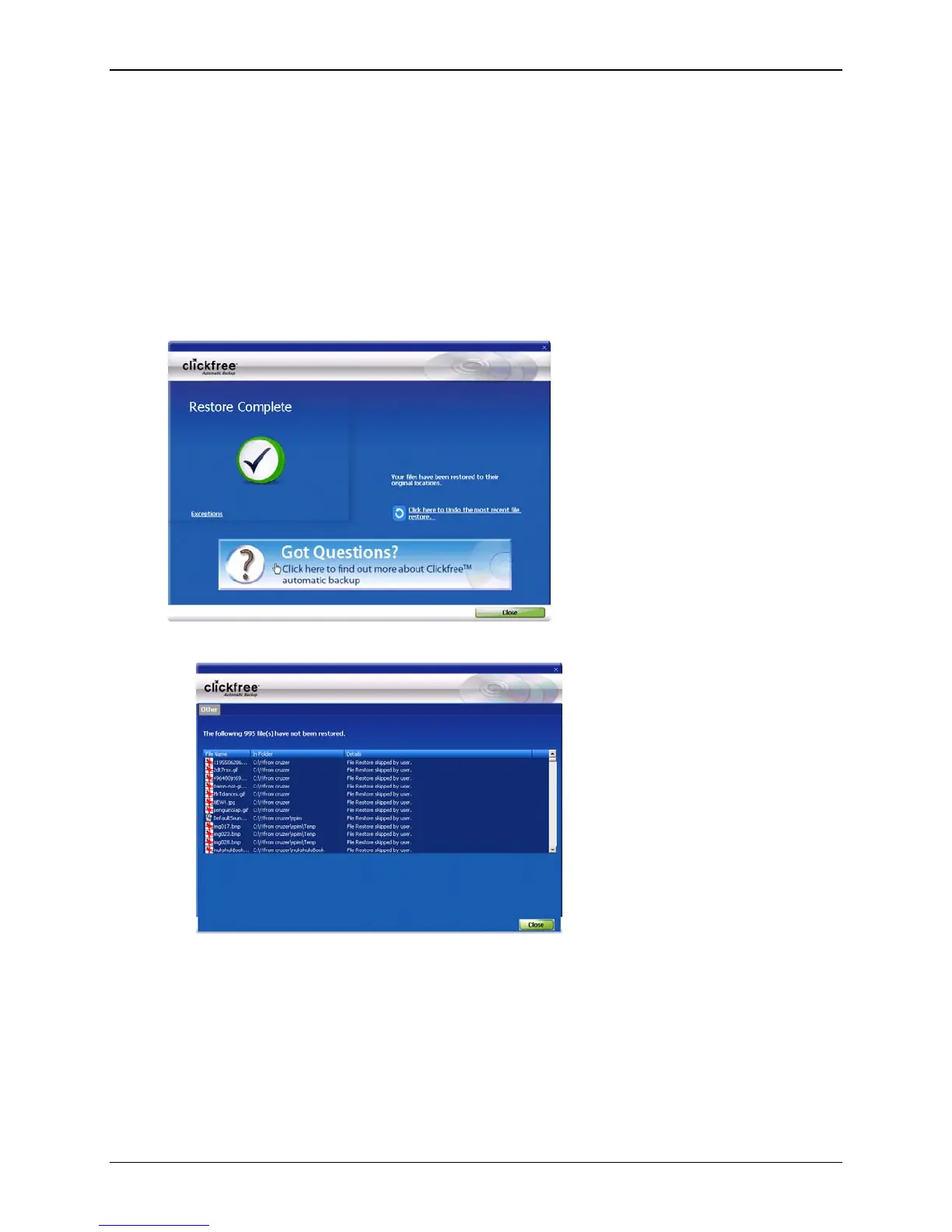
ESTORE COMPLETED WITH EXCEPTIONS
If you skip any files during a restore, the Restore Complete screen has an
Exceptions link
at the bottom left:
• Click the link to see what files were not restored:
Copyright © 2010 Storage Appliance Corporation. 110



 To Next Page