Clickfree C2N Home Backup Drive User Guide Advanced Topics (HD)
HOW DO I CHOOSE INDIVIDUAL FILES FOR RESTORE?
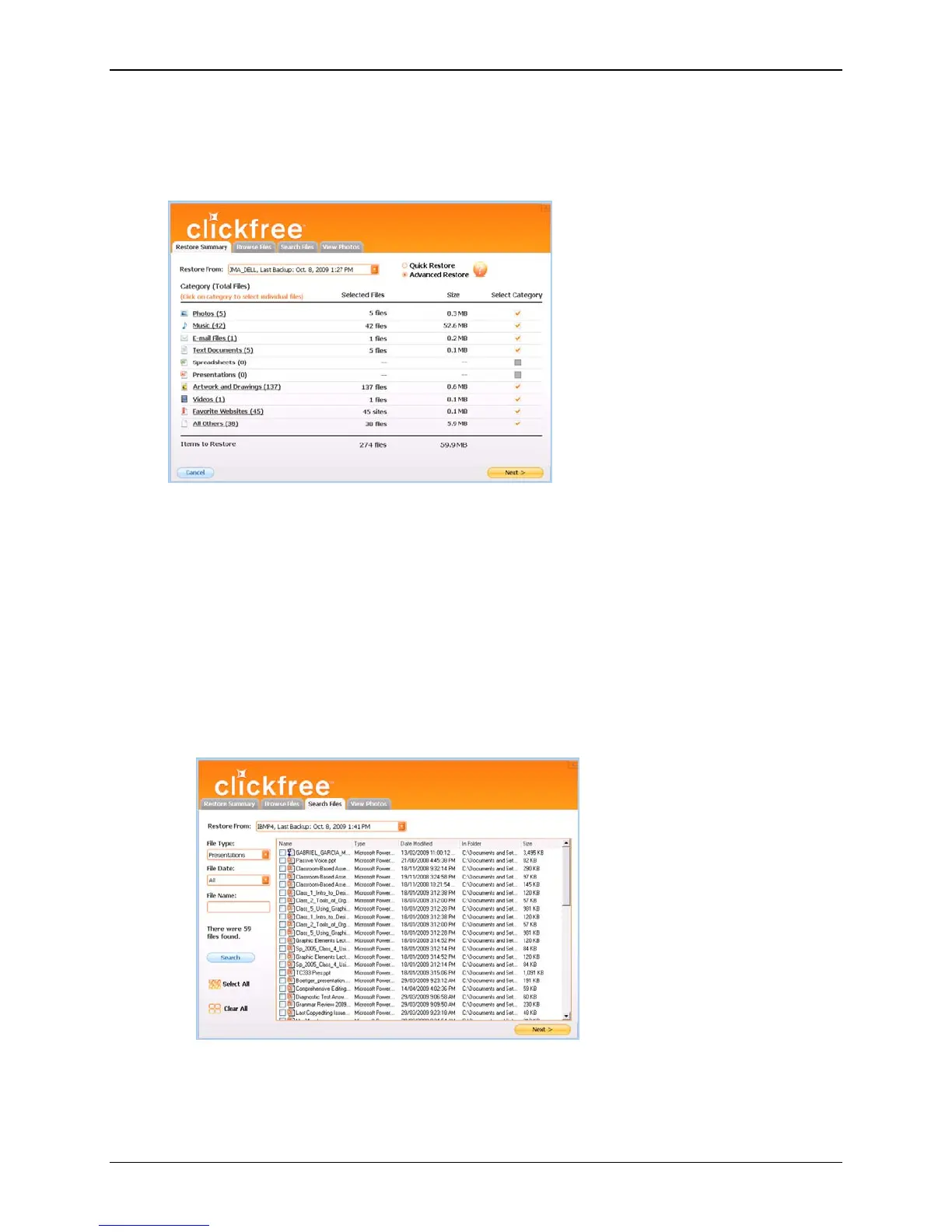
On the advanced Restore Summary screen you can click checkboxes to select the
category whose files you want to restore.
You can also:
• Select backed-up files within a category
• Browse through folders that contain backup files
• Search for backed-up files by file type, file date, and file name
Files selected by each of these means are included in the restore.
♦ To select files within a category:
1. Click Advanced Restore.
2. Click the category name.
All files in that category are shown in the
Search Files screen.
3. Select the files to be restored, and click
Next >.
Copyright © 2010 Storage Appliance Corporation. 75



 To Next Page