Clickfree C2N Home Backup Drive User Guide Backing Up My Content (HD)
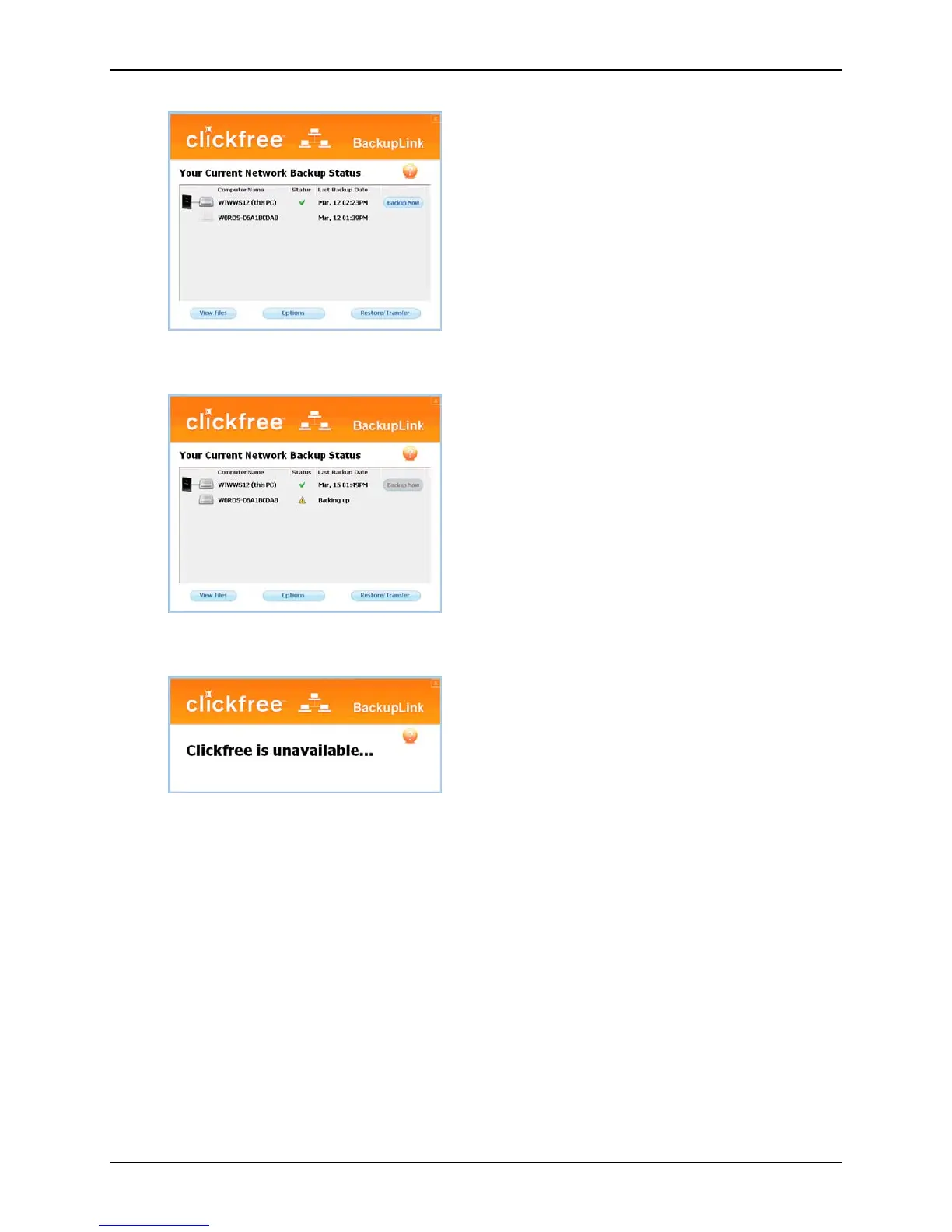
If you see a yellow warning icon beside a computer, it means the computer is online, but
cannot access the C2N Home Backup Drive. You will need to contact Customer Support.
If the C2N Home Backup Drive is not currently connected to any of the computers, you
will see:
WHAT IF CLICKFREE DOESN’T START UP AUTOMATICALLY?
There could be a couple of reasons why Clickfree does not run when you plug in the
Clickfree C2N Home Backup Drive:
• If you are connecting the C2N Home Backup Drive to a USB hub (which could be
in your monitor or keyboard), the hub may not provide enough power for a C2N
Home Backup Drive. Try connecting to a USB port on the computer itself.
• If you see a message telling you that “Clickfree
™ Backup cannot start because
you do not have the required permissions. Please re-login to this computer as
the Administrator
.” :
1. Log out.
2. Unplug the Clickfree C2N Home Backup Drive.
Copyright © 2010 Storage Appliance Corporation. 21



 To Next Page