Clickfree C2N Home Backup Drive User Guide Advanced Topics (HD)
Advanced Topics (HD)
NON-ADMINISTRATOR USERS
Non-administrator users are subject to certain limitations:
• The first time that a non-administrator user uses the C2N Home Backup Drive,
an administrative user password is required.
• If your C2N Home Backup Drive is password protected, a non-administrator
user cannot backup or restore files.
• A non-administrator user can back up only those files that are visible to the user.
Normally that means only files that belong to that user, or that are shared by all
users.
• A non-administrator user can restore files only to locations that are visible to the
user.
N
ON-ADMINISTRATOR USER – FIRST USE
1. Follow steps 1 to 3 of “Backing Up a Computer the First Time” on page 15.
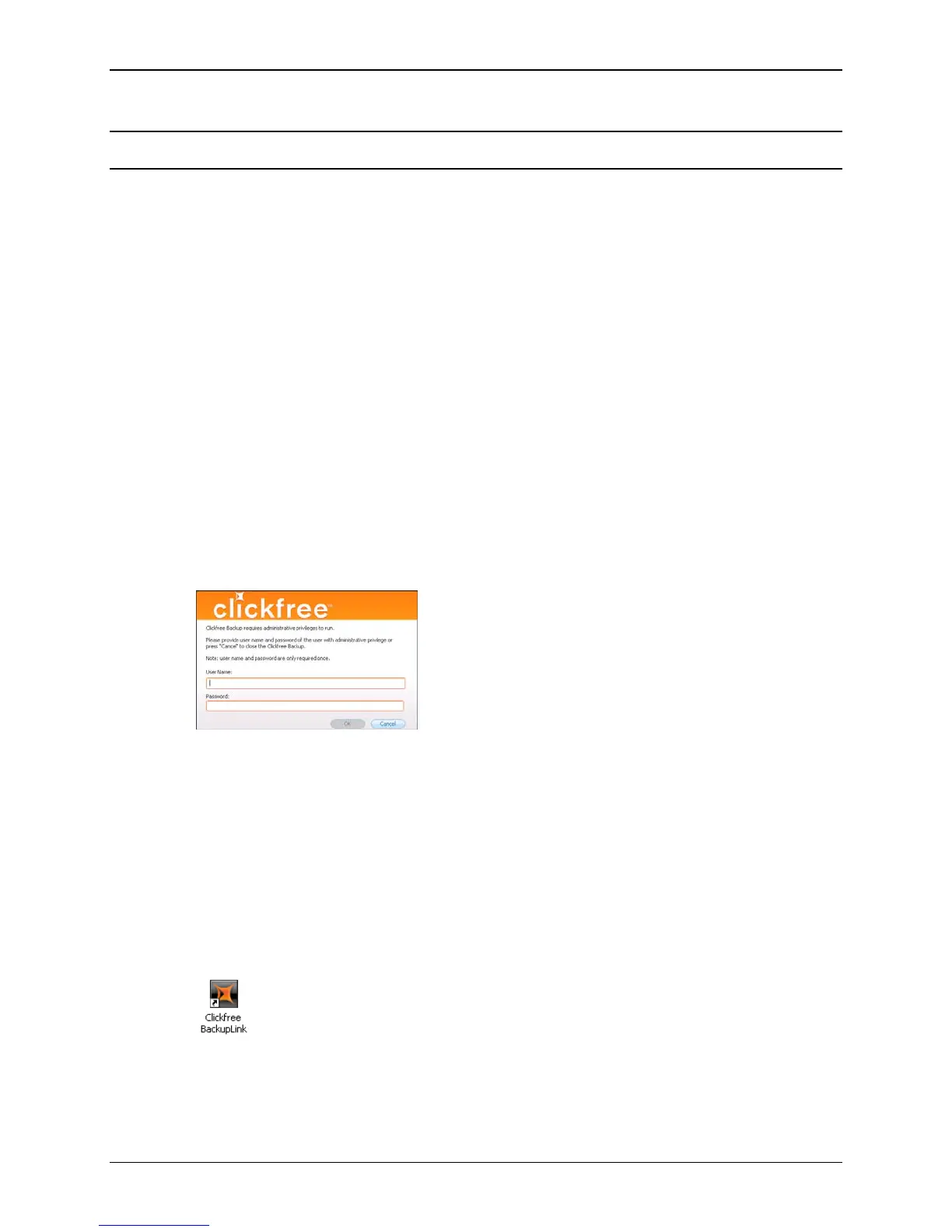
2. When you see the prompt:
enter the login name and password of an administrative user, then click
OK.
3. Continue with step 4 of “Backing Up a Computer the First Time” on page 15.
HOW DO I IMPORT MUSIC FROM MY IPOD TO MY COMPUTER?
You can use your Clickfree C2N Home Backup Drive to copy music from your
iPod/iPhone to your computer.
1. Double-click the icon on the desktop to open the BackupLink Status screen (or click
once on the icon in the system tray).
2. In the BackupLink status screen, click
Options.
Copyright © 2010 Storage Appliance Corporation. 53



 To Next Page