Clickfree C2N Home Backup Drive User Guide Advanced Topics (HD)
Note: You can only do this if the Backup Status is “Ready”, not if any of the connected
computers is currently backing up.
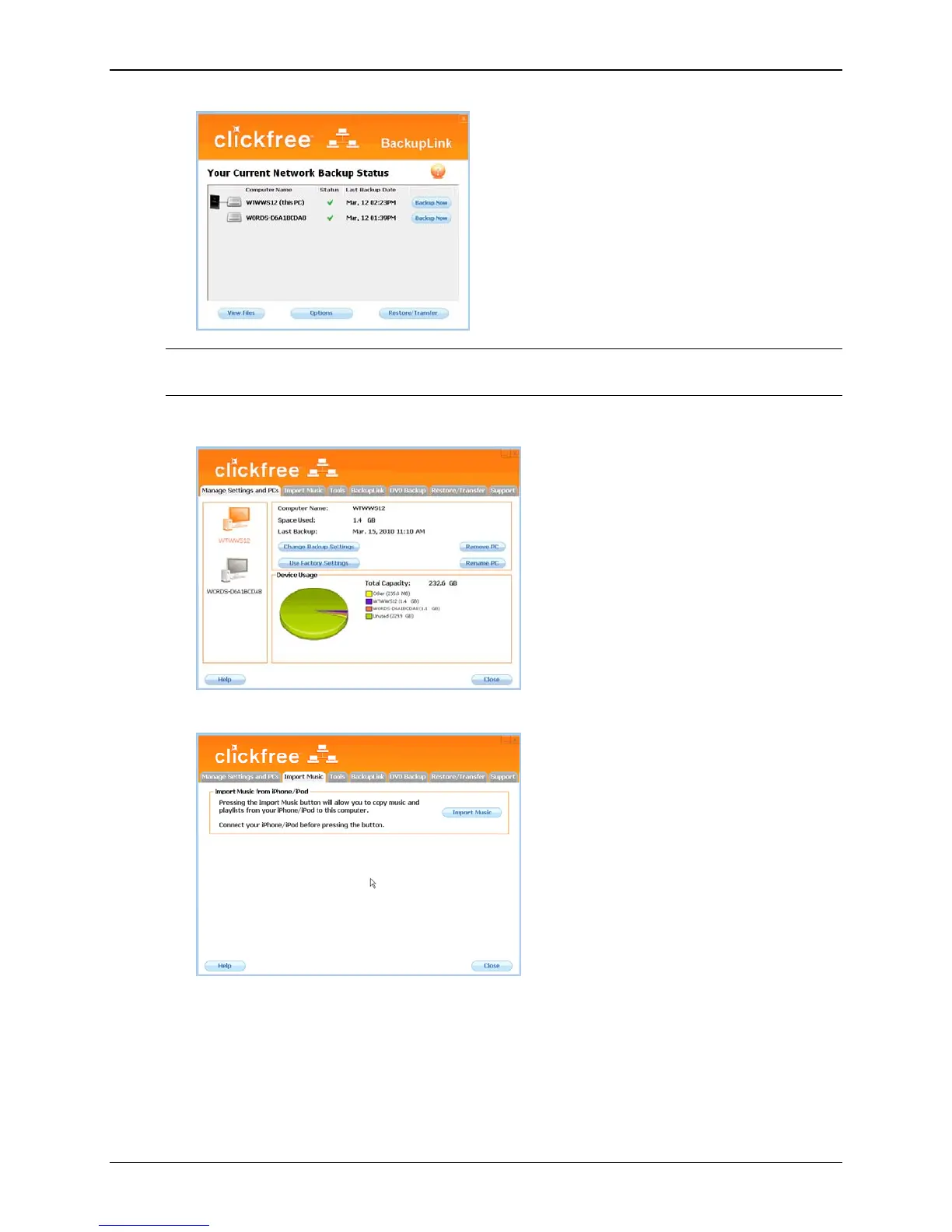
The Manage Settings and PCs screen is displayed:
3. Click the
Import Music tab.
4. Attach your iPod/iPhone to a USB port on your computer.
5. Click
Import Music.
Copyright © 2010 Storage Appliance Corporation. 54



 To Next Page