Clickfree C2N Home Backup Drive User Guide Advanced Topics (DVD)
HOW DO I RESTORE MY FILES USING ONLY THE BACKUP DISKS?
If the C2N Home Backup Drive is not available, you can restore content using only the
backup disk(s).
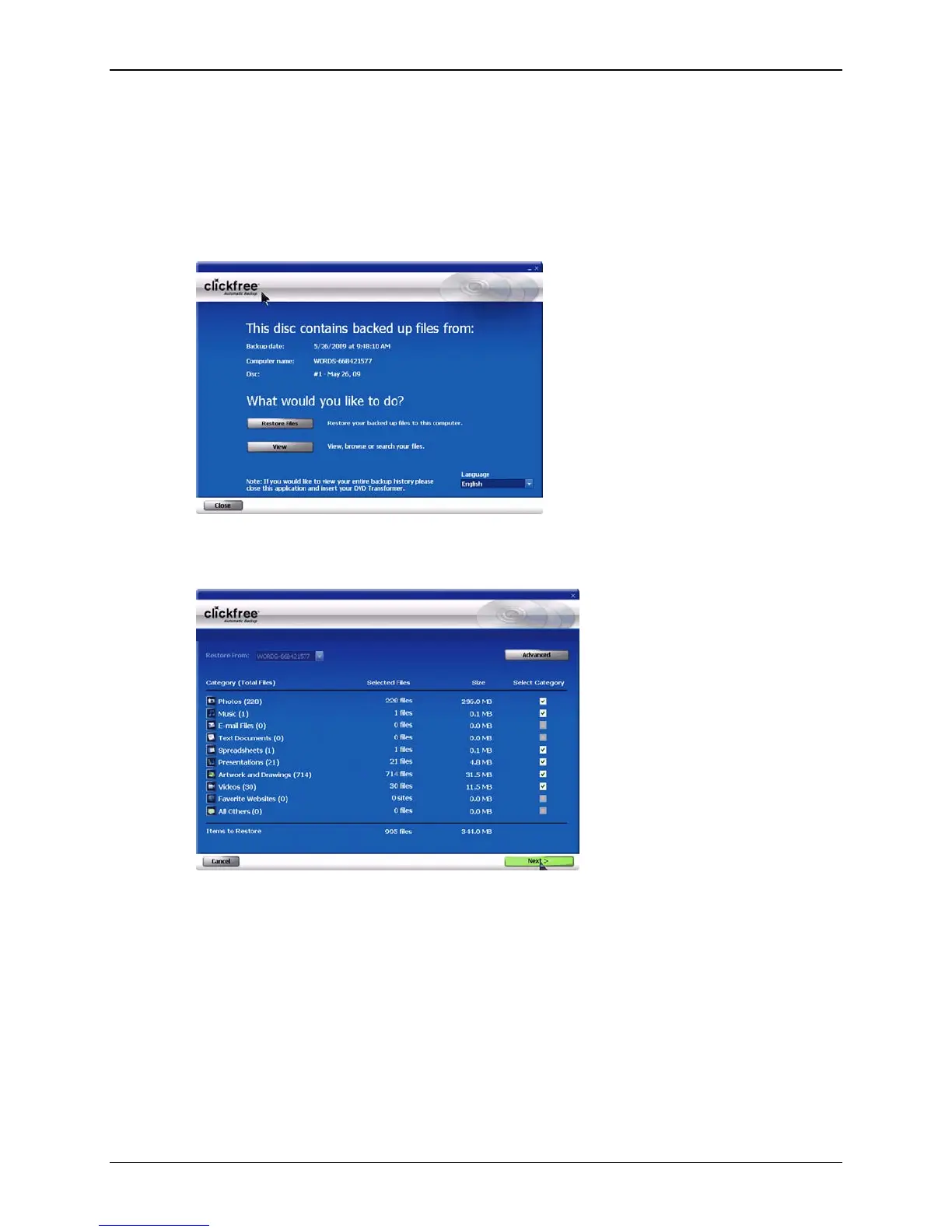
♦ To restore content using only a backup disk
1. Insert the disk in the computer:
2. Click
Restore Files and continue with the normal restore procedure.
3. If you click
View, you see a summary of backed-up files.
You can continue with the normal browsing and searching functions.
WHAT ARE ‘FACTORY SETTINGS’ AND HOW DO I USE THEM?
Factory settings can be used in Clickfree in two places:
• When choosing categories and file types to be backed up – see “Choosing
categories of content to be backed up – required” on page 91
Use Factory Settings for categories and files types means that all categories and the
corresponding file types are included.
Copyright © 2010 Storage Appliance Corporation. 123



 To Next Page