Clickfree C2N Home Backup Drive User Guide Advanced Topics (DVD)
♦ To remove a computer:
If you no longer want to keep backup history for a computer (for example, you may no
longer have that computer, and have already restored its content to another computer),
you can remove the old computer.
Note: Even after you remove a computer from your C2N Home Backup Drive, you
can still restore content from backup disks. However, information about which
files are on which disk is lost.
On the Options screen:
1. Click the computer you want to remove.
2. Click
Remove PC.
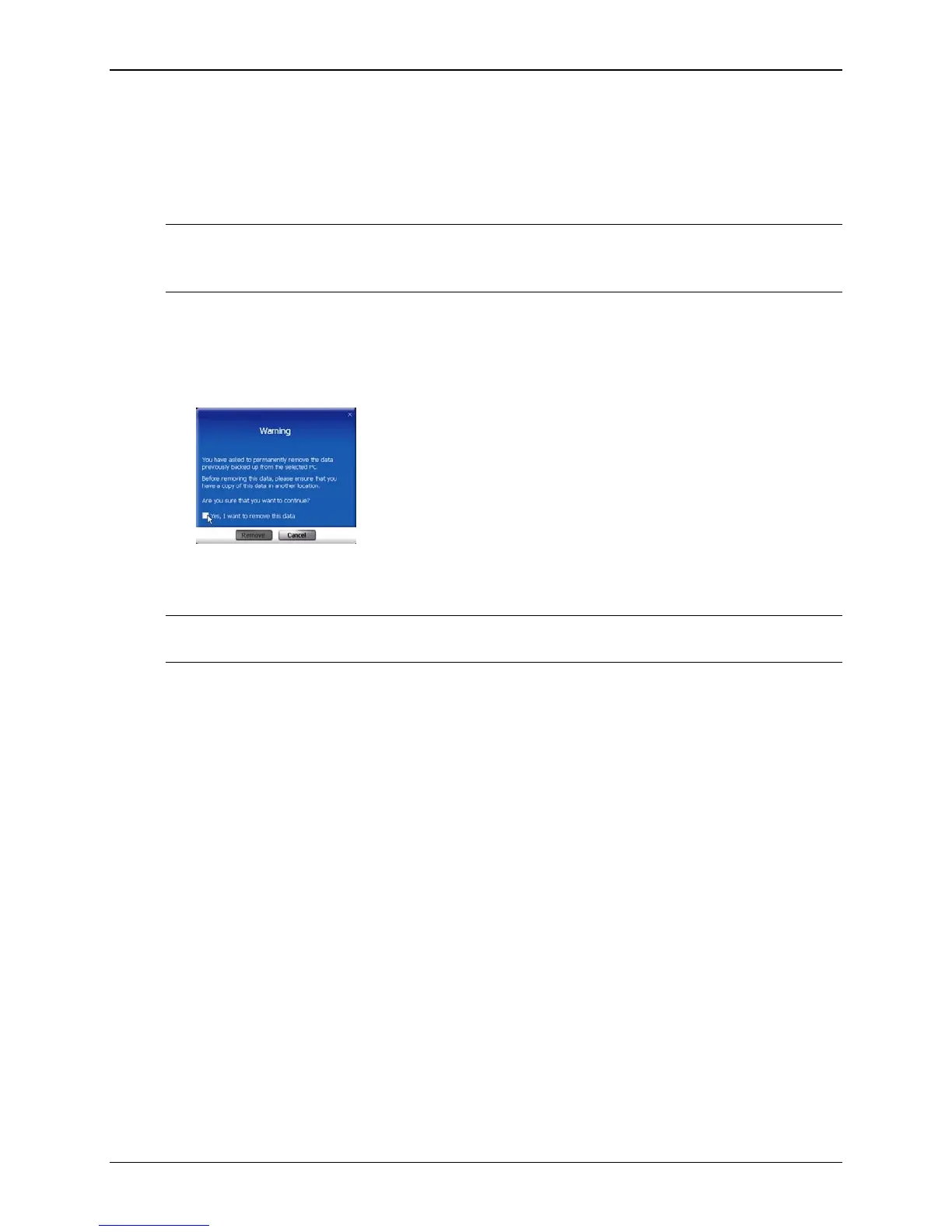
3. If you really want to remove the computer from Clickfree, check the checkbox and
click
Remove.
Warning: Once you have removed a computer from Clickfree there is no way to recover
that computer’s backup history.
To remove backup history for all computers, see ”Master Reset” on page 125.
Copyright © 2010 Storage Appliance Corporation. 122



 To Next Page