Clickfree C2N Home Backup Drive User Guide Advanced Topics (DVD)
The folder that will be used is shown below the drives.
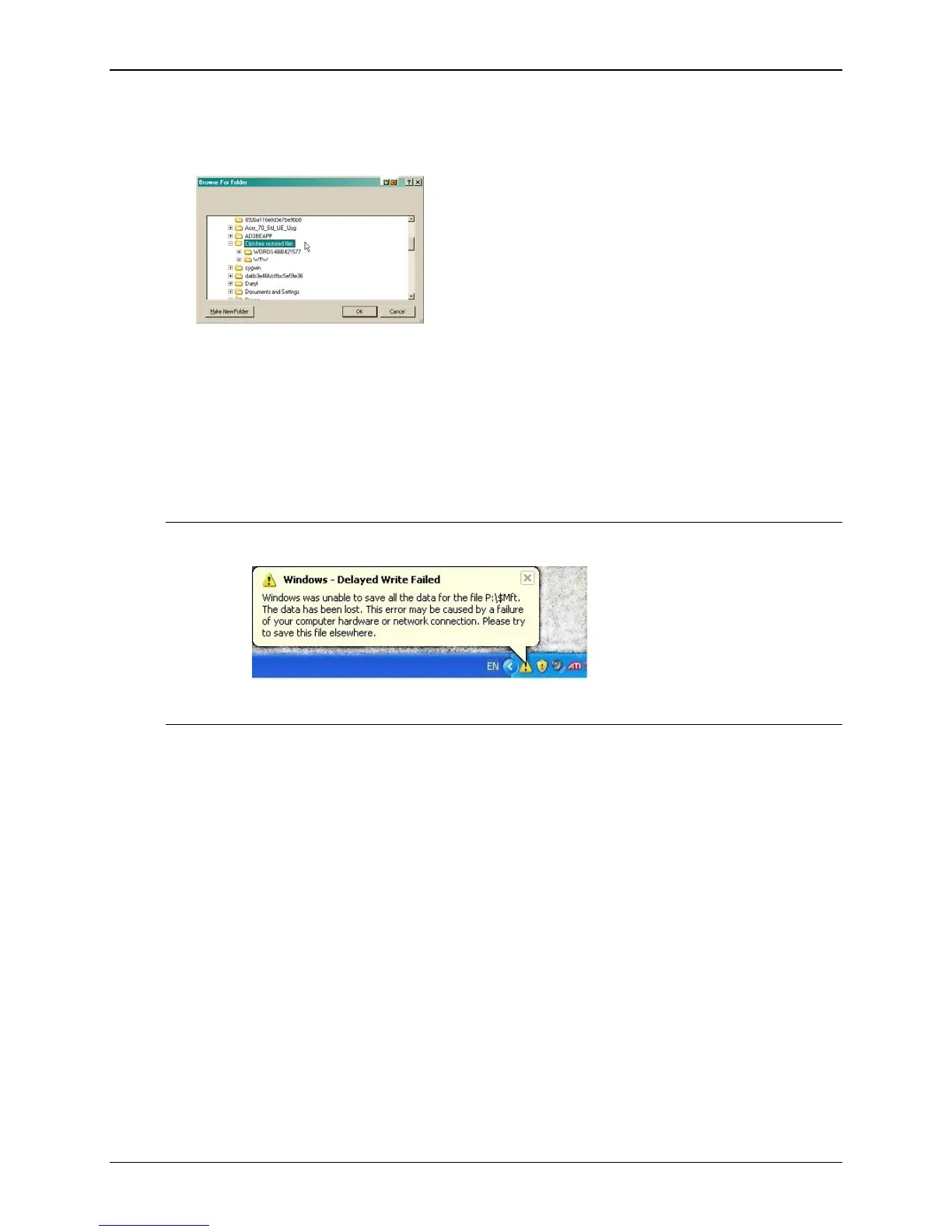
3. To change the folder, click
Change Folder and select the folder you want.
As usual, click + to expand a folder, - to collapse the folder again.
4. To create a new subfolder, click
New Folder, type the folder name, and click OK.
5. Click
Next >, and continue with “Choosing categories of content to be restored” on
page 106.
DELAYED WRITE FAILED
Note: Sometimes when you unplug the C2N Home Backup Drive you will see a
screen that tells you that there was a delayed write failure:
This is nothing to be concerned about – the message can safely be closed and
ignored.
Copyright © 2010 Storage Appliance Corporation. 134



 To Next Page