Clickfree C2N Home Backup Drive User Guide Advanced Topics (HD)
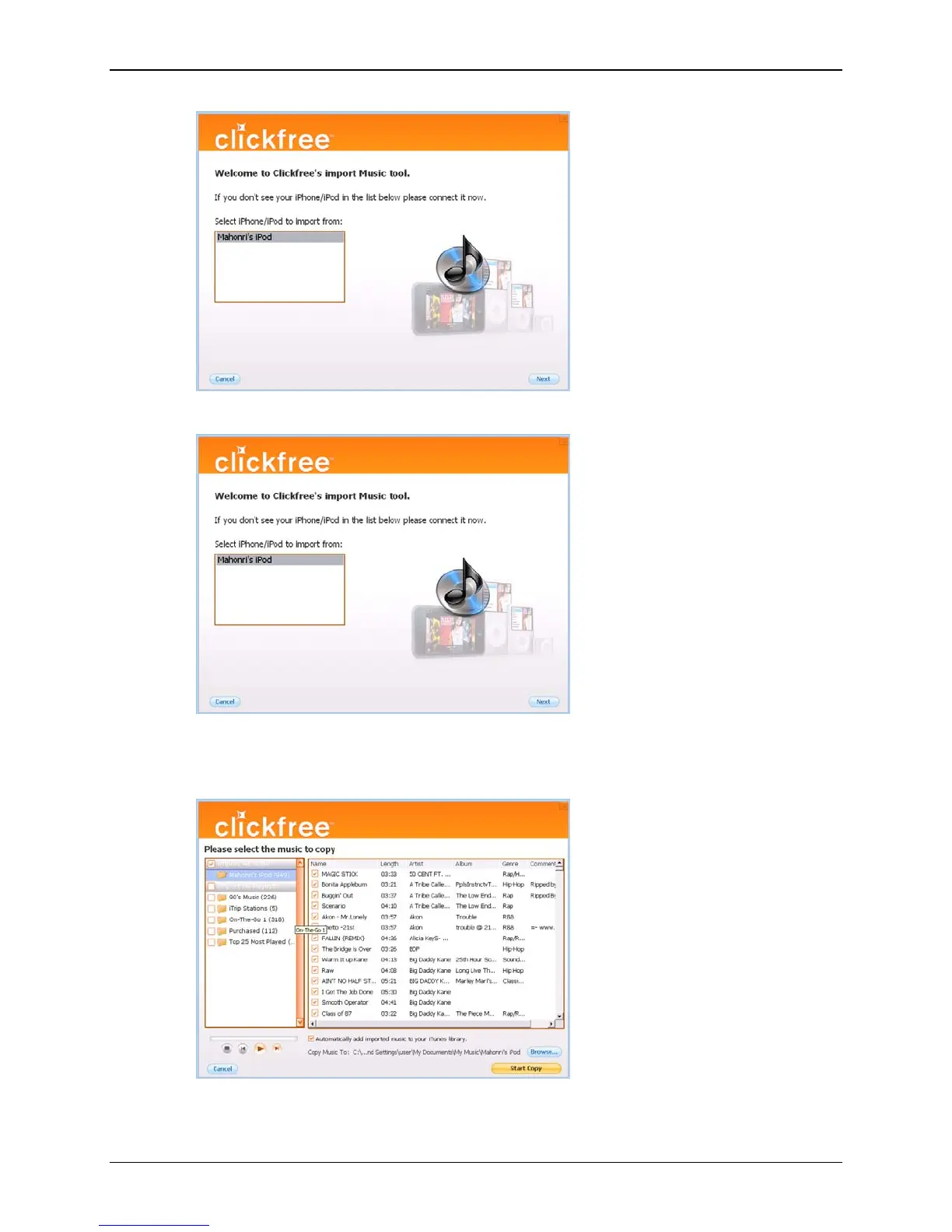
6. Select the iPod/iPhone to import music from, and click
Next.
7. Select the music to be copied by checking and unchecking a combination of the
Playlists on the left, and individual Titles on the right, or, to import all of the music
on the iPod/iPhone, ensure that the
Import All Music checkbox is checked.
A grey checkmark in a playlist’s checkbox means that some of its titles are selected.
Copyright © 2010 Storage Appliance Corporation. 55



 To Next Page