Clickfree C2N Home Backup Drive User Guide Backing Up My Content (HD)
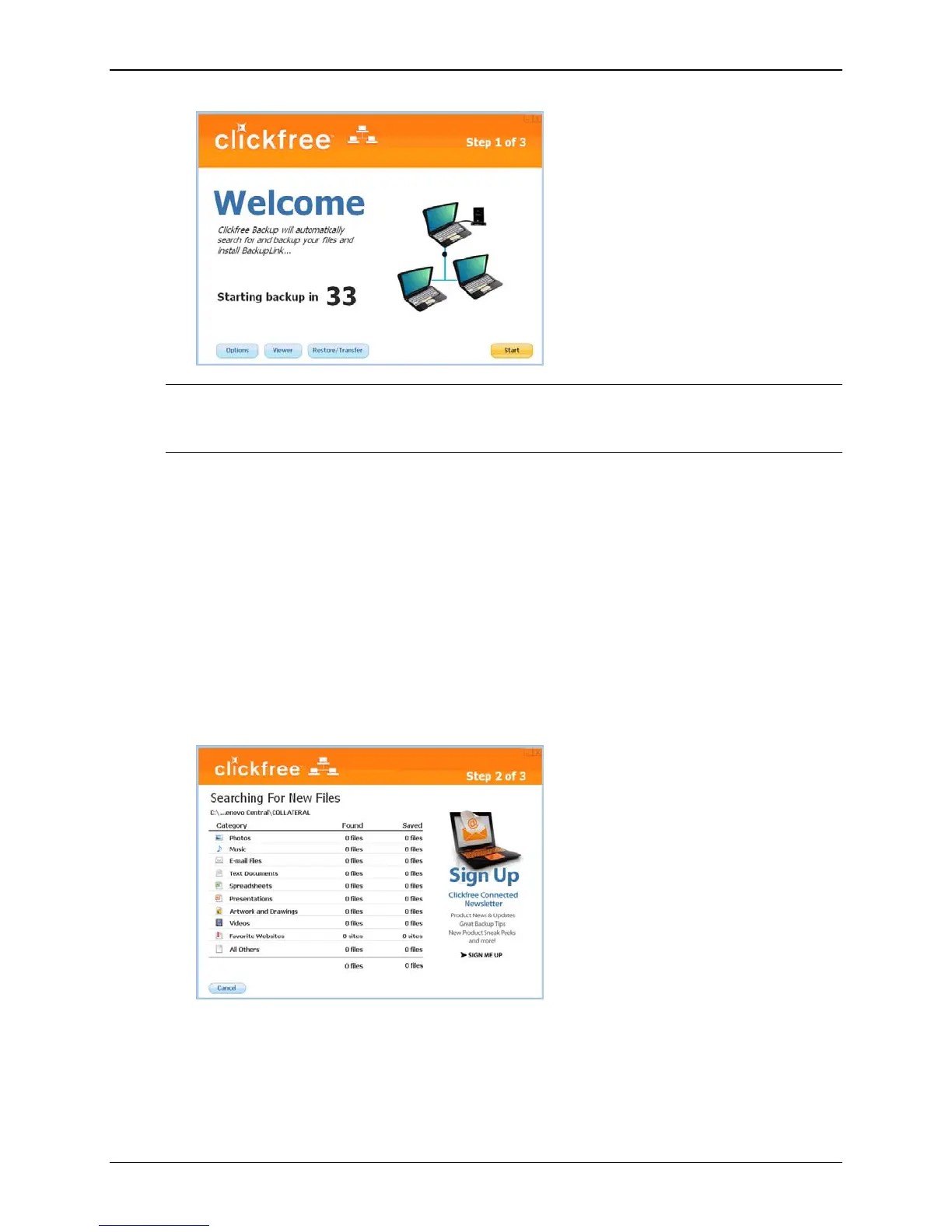
Note: After you have backed up content on your C2N Home Backup Drive, View
Files and Restore/Transfer buttons appear at the bottom of the screen beside
Options.
Zero effort backup – really!
Unless you stop the countdown by clicking a button, at the end of the countdown
period Clickfree starts the backup.
• If you want to let Clickfree decide what needs to be backed up from where, then
you’re done: just relax and let Clickfree work.
Without any effort on your part, Clickfree is safeguarding your valuable
content!
For details, see “What gets backed up?” on page 13.
• If you want to make changes to how backup is done, click
Options and see “How
do I change how Clickfree does backups?” on page 23
9. During the backup, Clickfree displays some screens to show progress:
Copyright © 2010 Storage Appliance Corporation. 17



 To Next Page