Clickfree C2N Home Backup Drive User Guide Advanced Topics (HD)
Note: You can only do this if the C2N Home Backup Drive is physically connected to
your computer, and the Backup Status is “Ready” (i.e. not if any of the
connected computers is currently backing up).
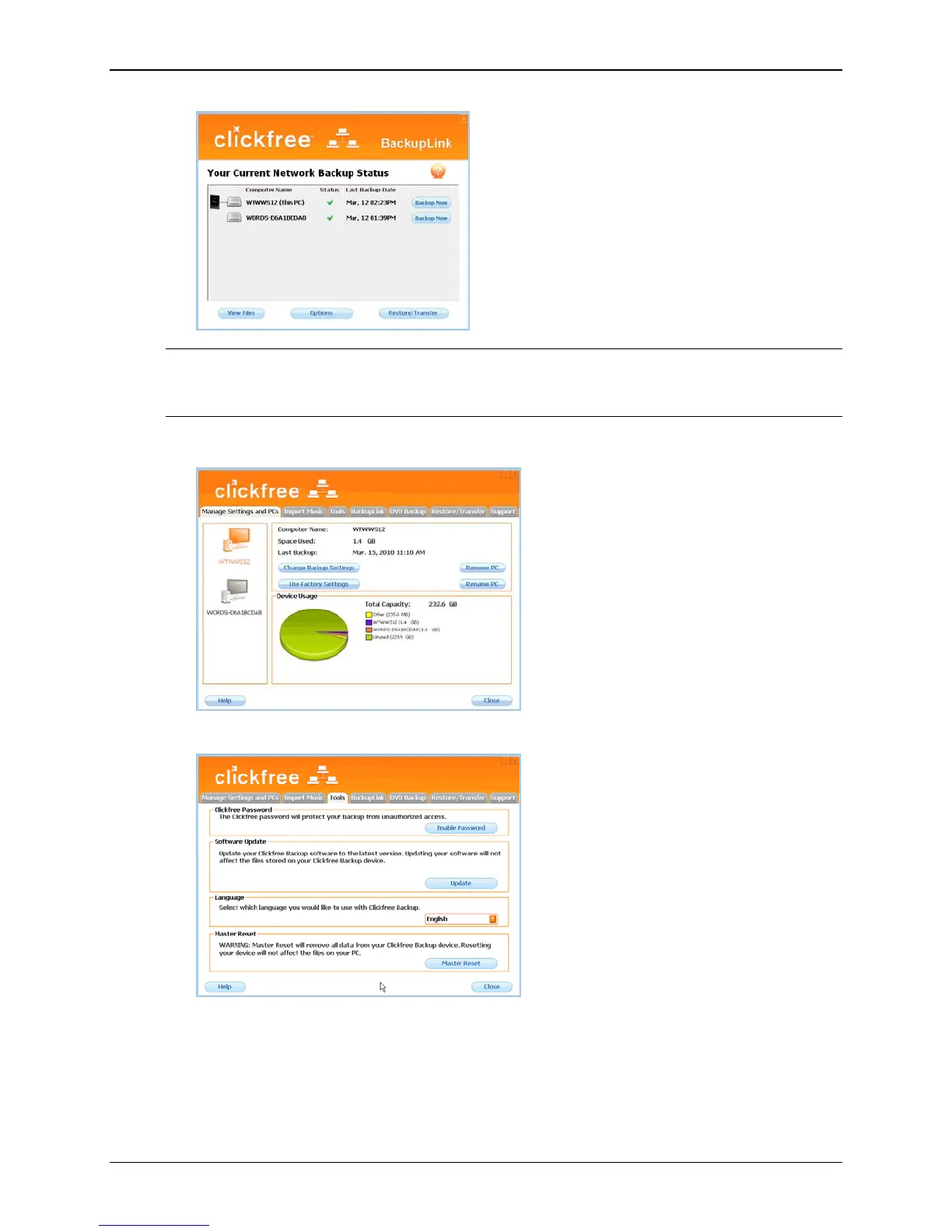
The Manage Settings and PCs screen is displayed:
3. Click the
Tools tab to show the available tools:
Copyright © 2010 Storage Appliance Corporation. 63



 To Next Page