Clickfree C2N Home Backup Drive User Guide Advanced Topics (HD)
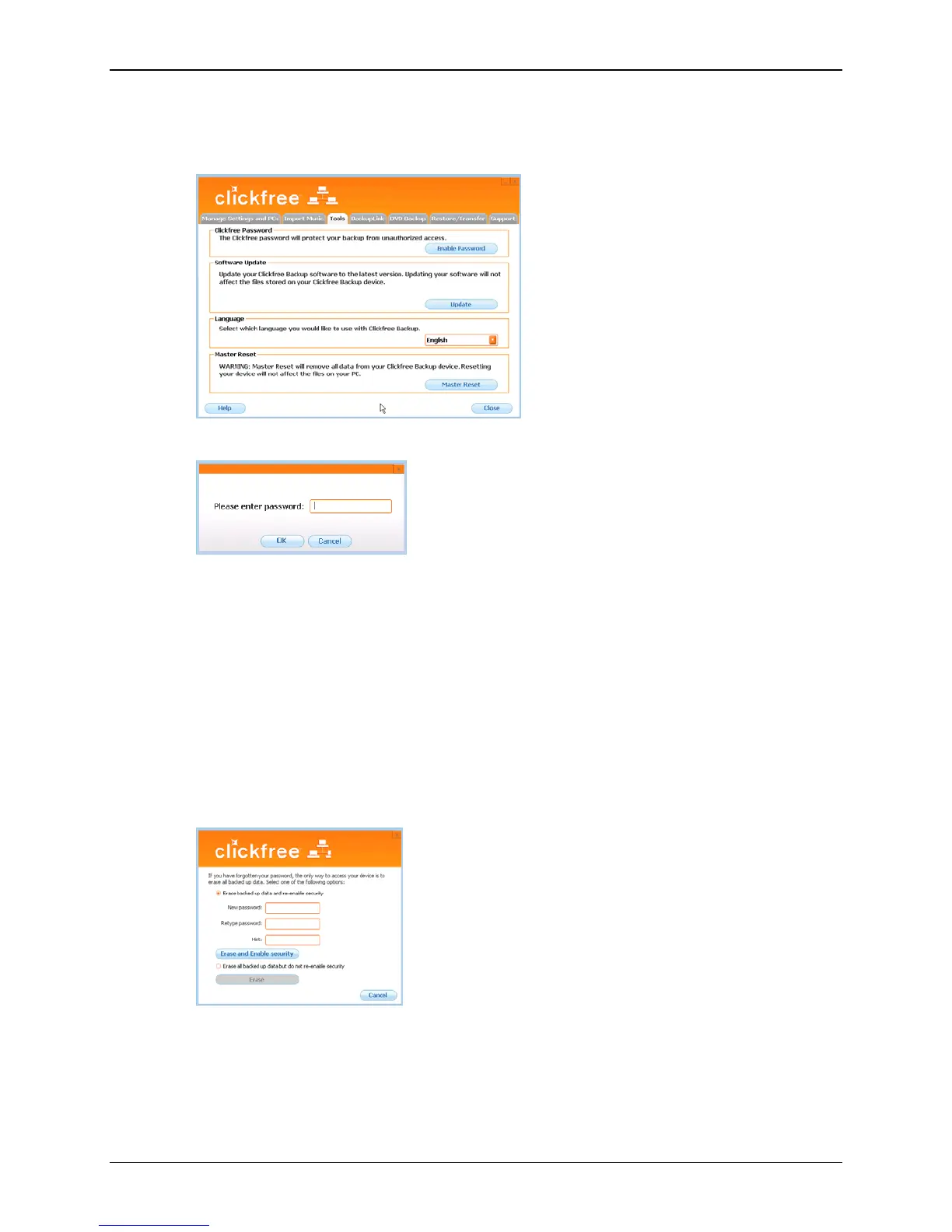
How do I disable password protection?
1. In the
Manage Settings and PCs screen, click the Tools tab.
2. Click
Disable Password:
then click
Yes when asked if you are sure.
You can re-enable password protection from the
Tools screen. See “How do I enable
password protection?” on page 64.
What if I forget my password?
If you have forgotten your password, and cannot remember it from the hint you set
when you enabled password protection, your only choice is to reset the C2N Home
Backup Drive and lose all of your backed-up content.
To reset the C2N Home Backup Drive:
1. When prompted to type your password, click
Forgot My Password.
You can:
• erase the backed-up content and re-enable password protection – go to step 2
• erase the backed-up content and disable password protection – go to step 6
Copyright © 2010 Storage Appliance Corporation. 66



 To Next Page