Clickfree C2N Home Backup Drive User Guide Backing up my content (DVD)
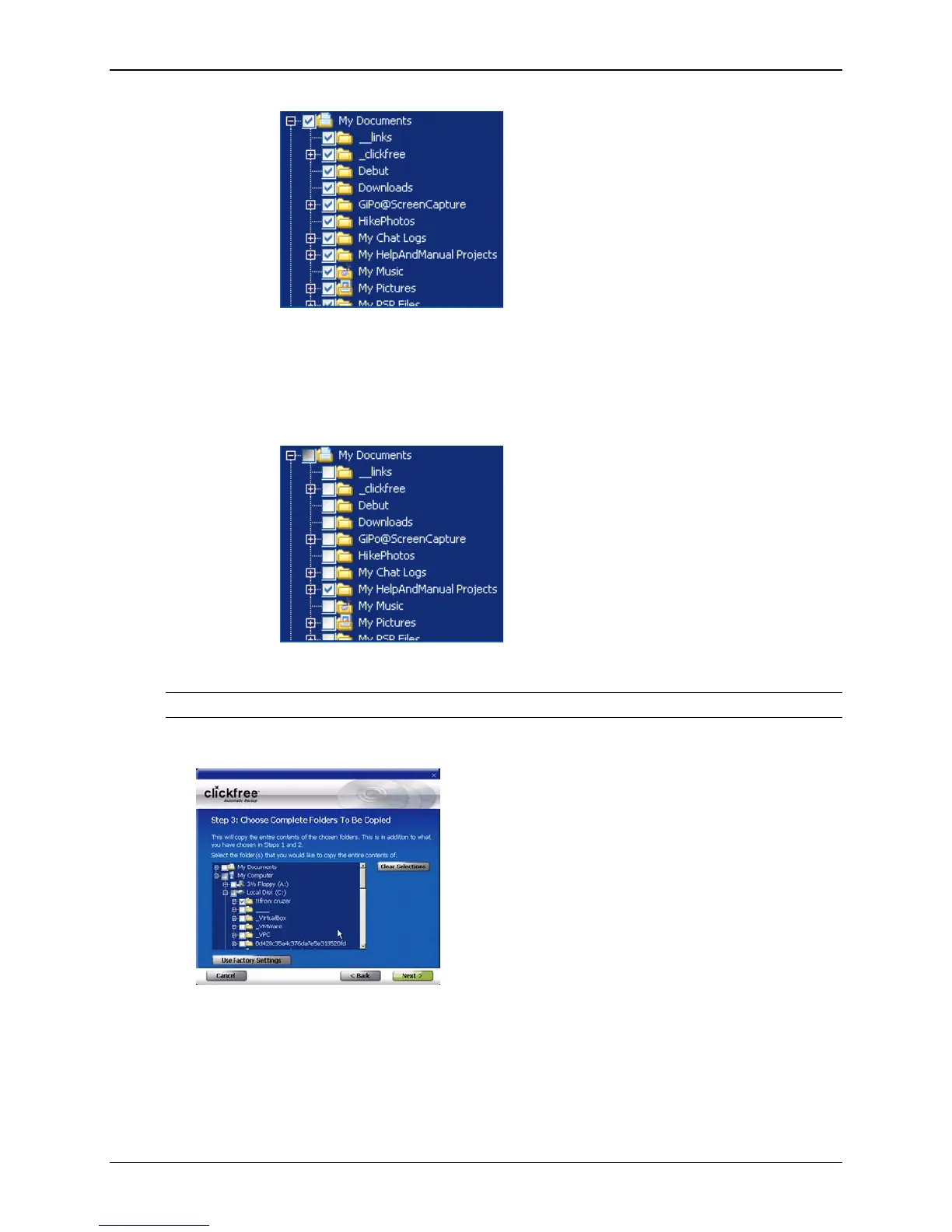
Each folder with a
+ beside it can also be expanded.
• You can now choose the individual folders you want to be searched by
adding and removing checkmarks in the checkboxes. For example, to
search only the folder with the Help and Manual projects, uncheck the
My
Documents checkbox, then check only My HelpAndManual Projects:
• Do the same for
My Computer.
Note: You must choose a location – you cannot leave all locations unchecked.
7. When you have made your choices, click Next >.
Copyright © 2010 Storage Appliance Corporation. 93



 To Next Page