Clickfree C2N Home Backup Drive User Guide Backing up my content (DVD)
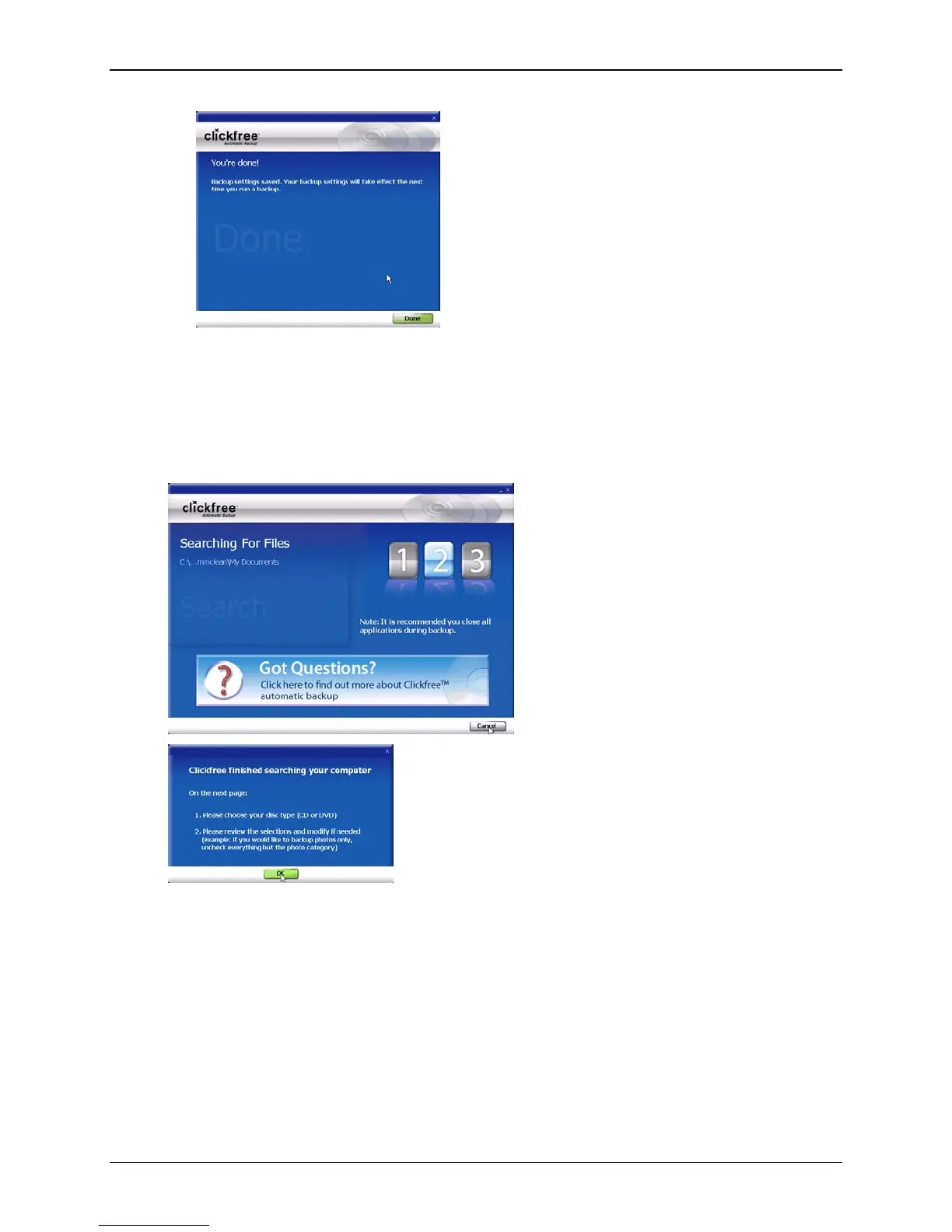
10. Click
Done then Close to continue with the countdown. You can click Start at this
time to go to the backup right away without waiting for the rest of the countdown.
Clickfree searches for content to back up
Before actually backing up any content, Clickfree searches the locations you chose for
your chosen categories of content:
11. Click
OK.
Copyright © 2010 Storage Appliance Corporation. 95



 To Next Page