32
Aux Outdoor Temp Alert Generates an alert if auxiliary heat
is called to run when the outdoor temperature is at or above
the selected temperature. The range can be: 32°F to 80°F.
Low Humidity Alert Generates an alert when the space
humidity falls below the selected amount. The range can
be:
O
Set humidity set point of 5% to 95%
High Humidity Alert Generates an alert when the space
humidity exceeds the selected amount. The range can be:
O
Set humidity set point of 5% to 95%
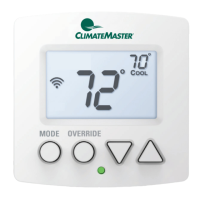
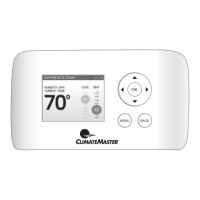
Display Alerts on Thermostat
Select No if you do not want any of the alerts to be
displayed on the iGate
™
Connect thermostat screen. Alerts
will continue to be displayed on the web portal and sent
via email.
Enable Heating/Cooling Alerts
Select No to disable alerts for heat/cool error conditions. If
disabled, alerts indicating that the system failed to heat or
cool will not be appear in the screen, web portal, or emails.



 To Next Page