CNC 6040 Router / Engraver System
CNCDIY CNC Routing Machines System User’s Manual
26
Step 5 Spindle Test
Then, we switch off the drive power and set the spindle speed control knob to "Safe Place"
position. (Please refer to the related CNC control box user’s manual)
After that, you can turn on the spindle power switch and justifying the spindle speed control
knob clockwise slowly. When the knob arrive the first small circle of the marker, the spindle
motor should start normal rotation. You can continue to adjust the knob clockwise slowly that the
spindle motor speed will be higher and higher.
Note:
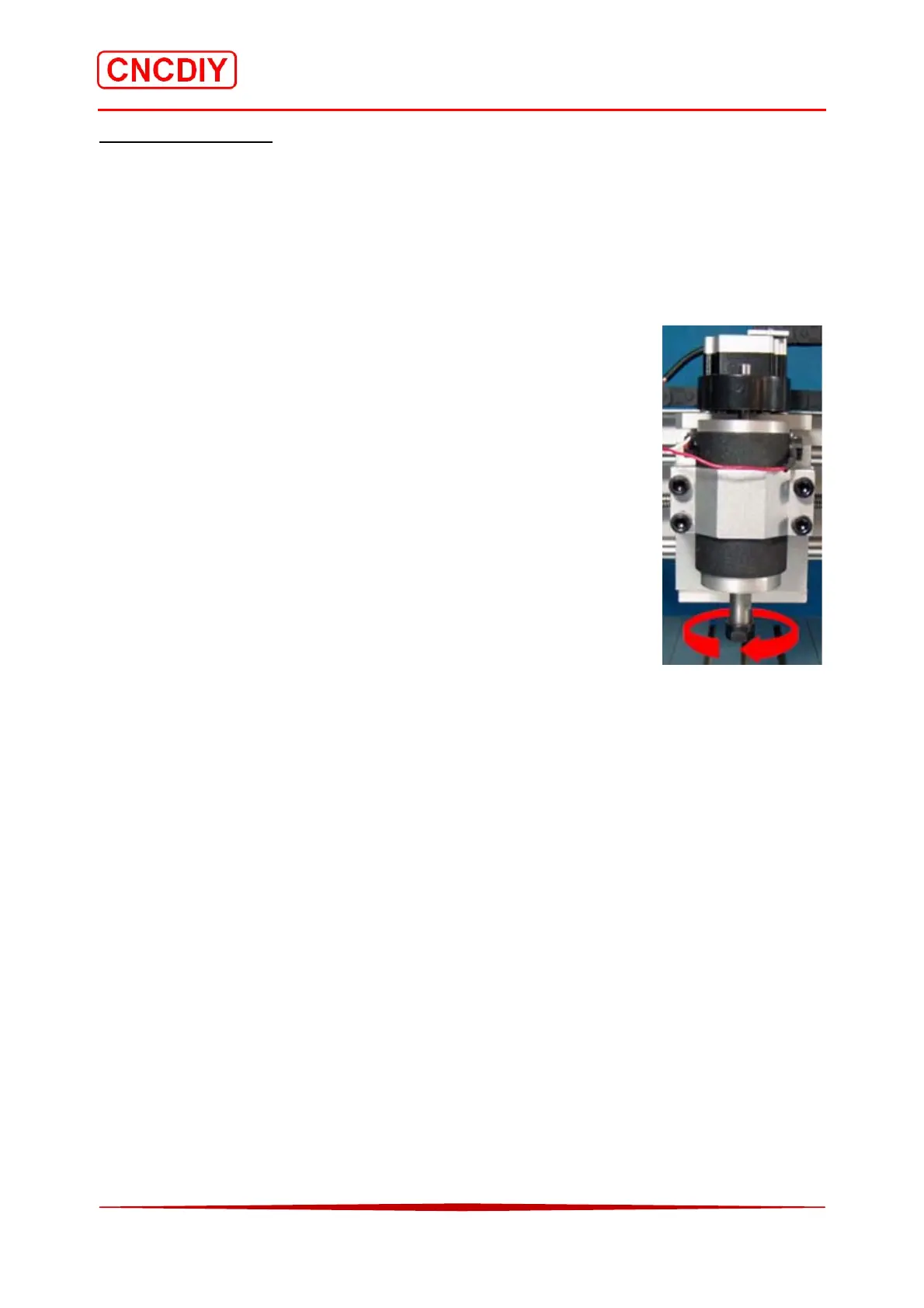
To observe the rotational direction of spindle, the correct rotation is
turning clockwise, and if you found to be anti-clockwise rotation, close
the spindle power, exchange the connection of the poles of the spindle
motor. (Please refer to Chapter 3-9-1-2)
Attention:
Spindle Power State,
1. The 2 side terminals of the spindle is applying at or up to 90V DC
voltage during the spindle operation, do not touch and contact the
high-speed rotary tool for safety reason. The operator must wear a
protective mask and a goggle. Child cannot use, touch and operate this machine system.
2. Before switching on the spindle power (when you start the spindle), please make sure that the
“Spindle speed control knob" pointer in the “Safe Place" position. After that, you may open
the spindle power switch, and then adjust the speed slowly.
3. User can turn off the spindle switch directly after uses, and remember to turn the speed knob
back to a “Safe Place’ smoothly. If you do not pay attention when you open the spindle the
power and the spindle speed control knob in a high-speed digital, it may be a result of the
high starting current to damage, breakdown or burning whole system.



 To Next Page