CNC 6040 Router / Engraver System
CNCDIY CNC Routing Machines System User’s Manual
36
Chapter 5 Installation of EMC2 Software
The EMC2 is a famous CNC control interface for Linux’s users. It will guide you to complete
setting the parameters for you machine and show the useful function in EMC2 for you.
5-1 Connect to the CNC Control Box
Switch off the CNC control box and the computer, after that, user can plug the parallel cable
to connect to the computer and the CNC control box. You able to switch on your computer now!
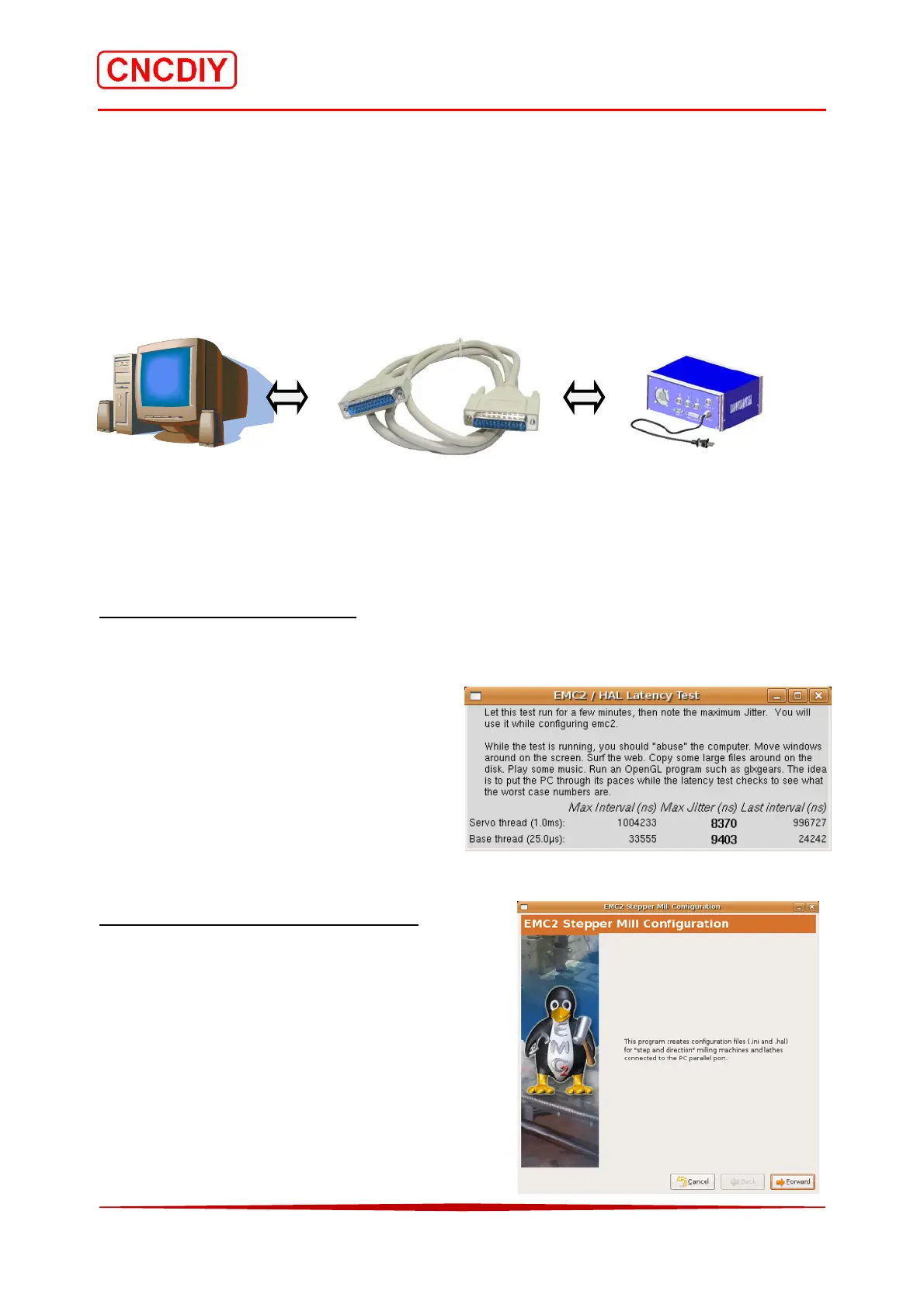
Your PC Parallel Port Cable CNC Machine
5-2 Basic Setting of EMC2 software
There are discussed the basic setting of the Basic machine information for you system.
Step 1 Check Your Hardware
Go to the “Applications” toolbar, select “Accessories” and then “Terminal”.
It will run the Latency Test, which will put you into the good old *nix command line interface.
If the computer does not have the parallel port,
please obtain either following items:
1. Optional PCMCIA laptop cards to LPT
2. Optional desktop PCI or ISA cards to LPT
USB to LPT port converter does not use for
engraving machine control.
Step 2 Set up the CNC Configuration
Select the “Applications” menu (equivalent of the
Windows Start Button) and choose the “CNC”
submenu and the EMC2 “Stepconf” Wizard. It will
go to the “Stepper Mill Configuration”.
Check the “Forward” button for next.



 To Next Page