CNC 6040 Router / Engraver System
CNCDIY CNC Routing Machines System User’s Manual
27
Chapter 4 Installation of Mach 3 Software
The Mach 3 is one of most common CNC control interface for Microsoft Windows’s users. The
setting of the Mach 3 is very easy for your CNC control! It will help you to set up the basic
settings and show the useful function in Mach 3 for you.
4-1 Connect to the CNC Control Box
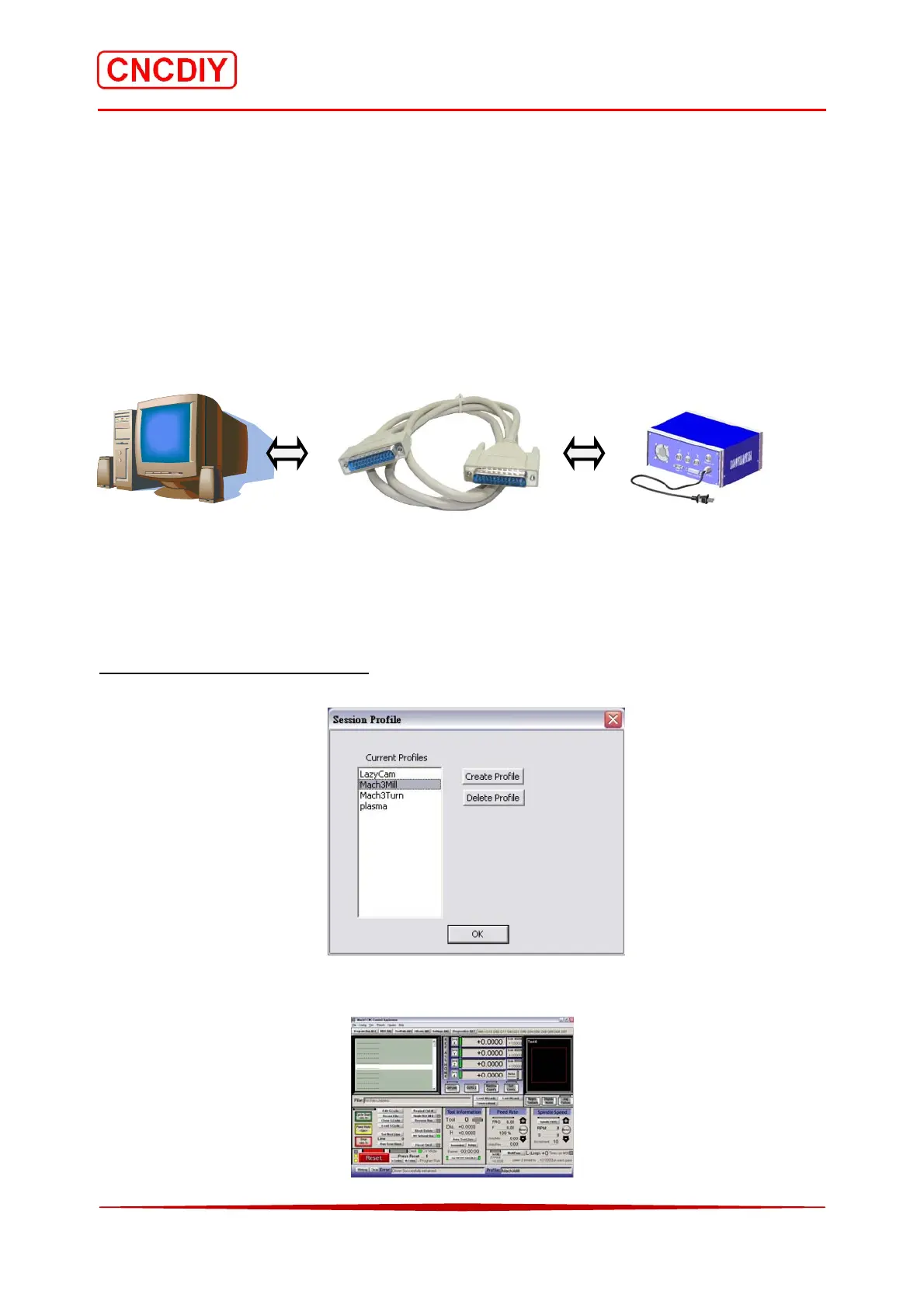
Switch off the CNC control box and the computer, after that, user can plug the parallel cable
to connect to the computer and the CNC control box. You able to switch on your computer now!
Your PC Parallel Port Cable CNC Machine
4-2 Basic Setting of Mach 3 software
There are discussed the basic setting of the Print port configuration parameters:
Step 1 Open MACH3 Software
Select “MACH3Mill”, and then press “OK”!
Mach 3 opens interface as below.



 To Next Page