16
ENGLISH
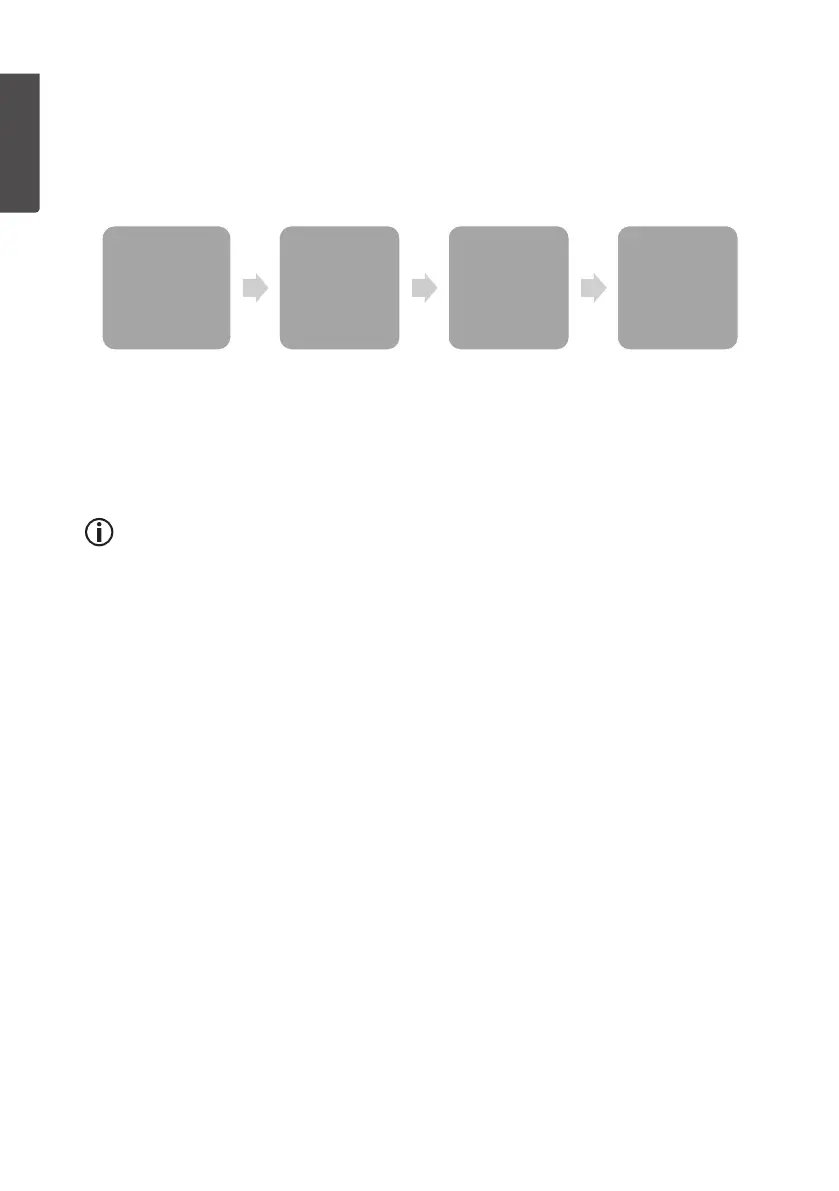
Changing the display mode for the time/date and weather data.
1. In normal display mode, press [ MODE/SET ] repeatedly to select between
time/date, rainfall, atmospheric pressure and histogram.
2. Press [ CHANNEL/+ ] or [ HISTORY/- ] to change thedisplaymode.
3. You can return to normal display mode at any time by pressing [ SNOOZE/LIGHT ].
Time , Date
• Time
• Time & week day
• Date
Rain
• 1h
• 24h
• Week
• Month
• Total
Pressure
• Relative (REL)
• Absolute (ABS)
History
• 24h
• 72h
- “TIME” Select between displaying time, time and day ordate.
- “RAIN” Select whether to display therainfall per hour, week, month or
total rainfall.
- “PRESSURE” Select between display of relative or absolute atmospheric
pressure. RELor ABS will appear on thedisplay respectively.
- “HISTORY” Select either 24- o 72-hour clock display.
Information about theatmospheric pressure
The weather station can display theatmospheric pressure in different ways,
ABS absolute (actual pressure at current altitude) and REL relative (what thepressure
would be at sea level).
• The relative value is used by meteorologists to be able to compare
theatmospheric pressure at different locations.
• The normal atmospheric pressure at sea level varies depending on
thegeographical location but is usually approximately1013.2hPa.
Apressure of under 990 hPa is regarded as low pressure and over
1020 hPa is regarded as high pressure.
• Since atmospheric pressure decreases with altitude, values for relative
atmospheric pressures are generally higher than their absolute counterparts.
Sound settings for buttons and alarms
In normal mode, hold in [ HISTORY/- ] for 3 seconds to switch thesound on/off.
BUZZON (On) or BUZZOFF (Off) will appear on thedisplay respectively.
When thesound is switched off, no noise will be heard when buttons are pressed
and any alarms emitted by theweather station will be silent (only thealarm symbols
will flash).


 To Next Page