6.1. Terminal Installation
6.1.1 Please ask the qualified engineers to install it.
6.1.2 Do not install it in an environment which is over GSM performance index.
6.1.3 Pay attention to make installation location preventing water and dust.
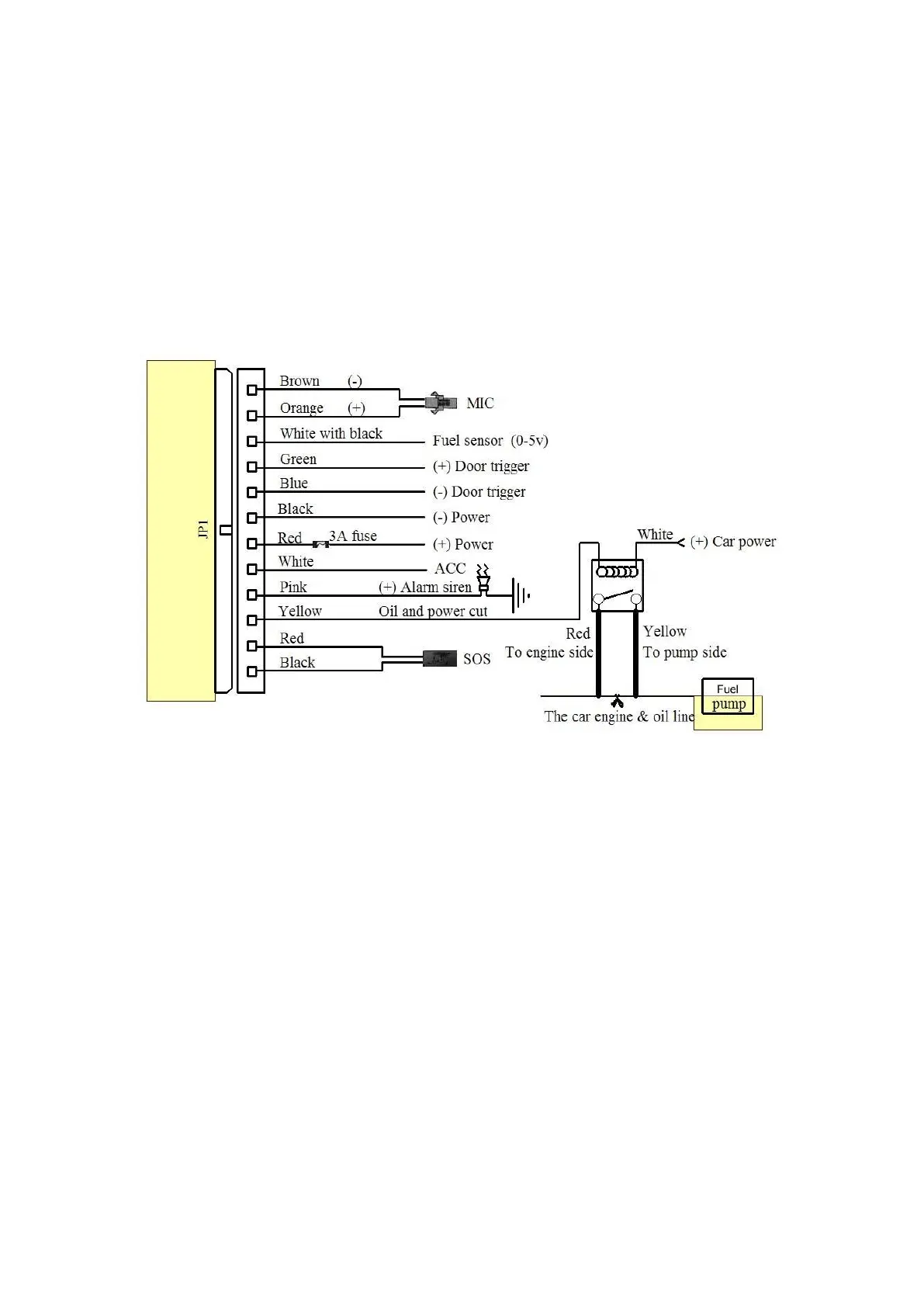
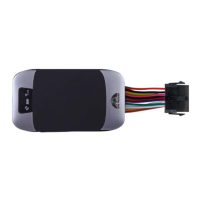
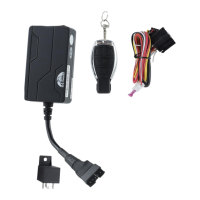
6.1.4 Find the 12 PIN harness and insert it into the corresponding holes of the
products, and connect the wires with the original car circuit showing below:
Wiring diagram
6.1.5 Note: The pink wire can be connected to the original car horn; it can also be
connected to the siren buying with the tracker.
6.1.6 Knowing about the type of the door trigger is positive or negative trigger. Please
connect the green wire to the door control circuit if it is positive, and connect blue
wire if it is negative.
6.1.7 Please install the SOS button on the place driver can touch.
6.2 SIM CARD Installations
6.2.1 Use the screwdriver accompanied with the device to open sealed buckle and
insert the SIM card, the SIM card is placed correctly if heard the sound of lock, the
SIM will automatically pop up if press it gently. If need data logging function, please
insert microSD and put sealed buckle back


 To Next Page