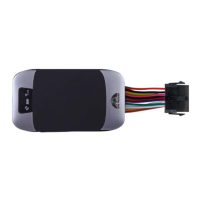
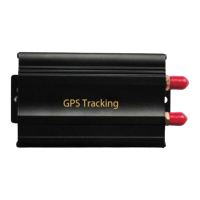
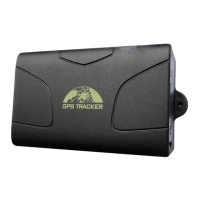
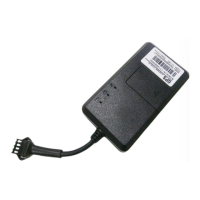
6.2.2 Please make sure the SIM card is for GSM network and able to execute the
function of incoming calls display, no calls can be diverted and the PIN code is
locked. The SMS format must be TXT format, and can’t recognize the PDU
format.
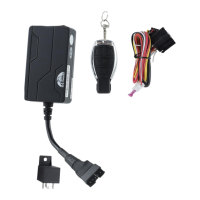
6.3 Turn on the Tracker Device.
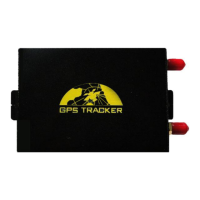
Connect the positive & negative wire, red & black ones, with 12V or 24V car power
system, wait for 1 minute after connecting power to wait tracker works normal, and
then turn on the backup battery switch.
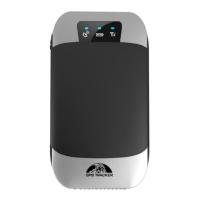
6.4 GSM/GPS LED Indicator
Red LED: when charging, LED ON, After full charged, LED OFF,
In Low power, LED flash fast.
Green LED: In GSM Mode, LED quick flash for each second, In GPRS Mode, LED
flash one time in three seconds, when No GSM reception, LED ON.
Blue LED: In good GPS reception, LED quick flash for each second,
No GPS reception, LED OFF.
6.5 Initialization
Send “begin+password” in SMS to the unit, it will reply “begin ok” and initialize all
the settings. (Default password: 123456)
For example, send SMS “begin123456” to the tracker via a cell phone, if succeeded,
if will reply “begin ok”.
6.6 Change Password
6.6.1 Send SMS “password+old password+space+new password” to the
unit to change the password.
For example: send SMS “password123456 888888” to the unit. If
succeeded, “password ok” will reply to your cell phone from the device
tracker.


 To Next Page