Chapter 4: Setup and verification
28 System app
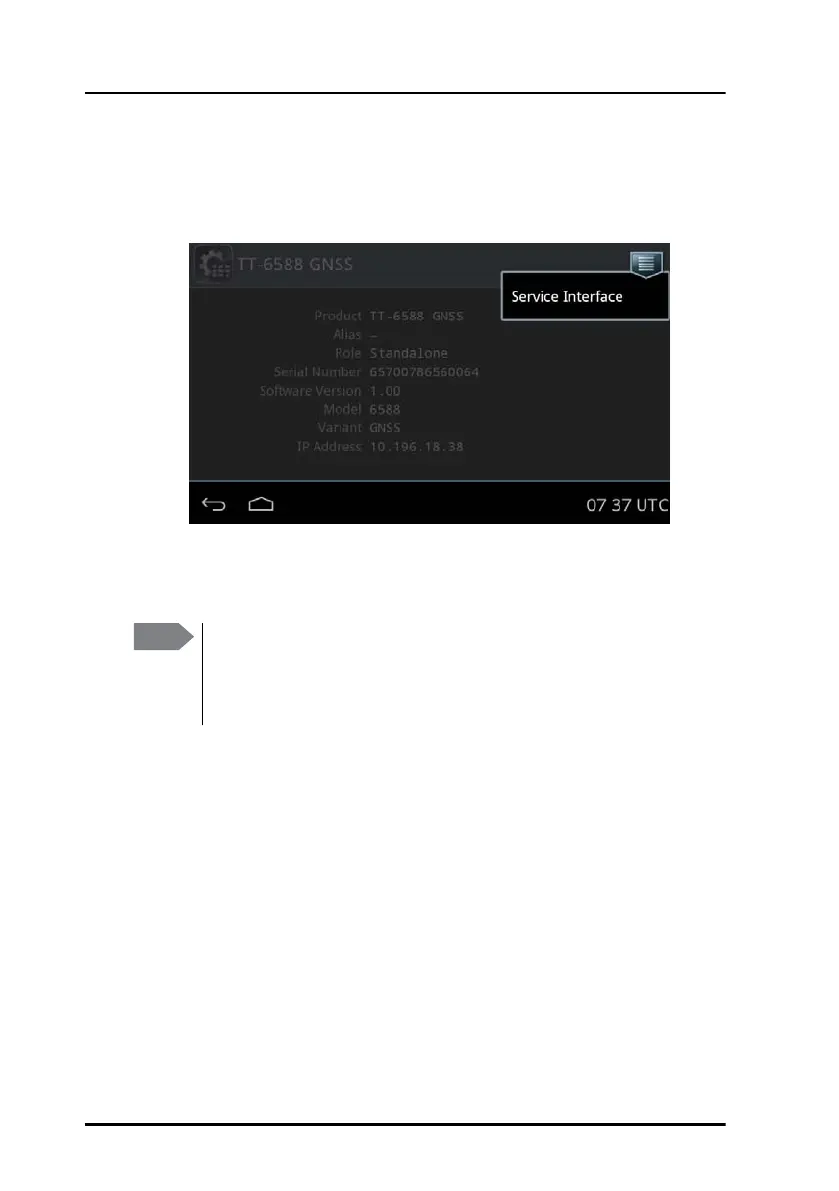
Service Interface
Link to the Service Interface, - for further details see the manual for the
associated system setup.
Self Test
To verify the proper functioning of the Control Panel, run a self test.
Check of the Control Panel
With the built-in self test you can do the following:
• Test the basic functions of the Control Panel
• Display the test results
• Export the test results in a test log
Running a self test
To run a self test, do as follows:
1. From the main screen, tap System and Self Test.
Note
The built-in self test only verifies the function of the Control Panel
itself, not of any connected equipment nor the total system. For
the total system, see the installation manual of the application in
which the Control Panel is used.


 To Next Page